0 / 20000


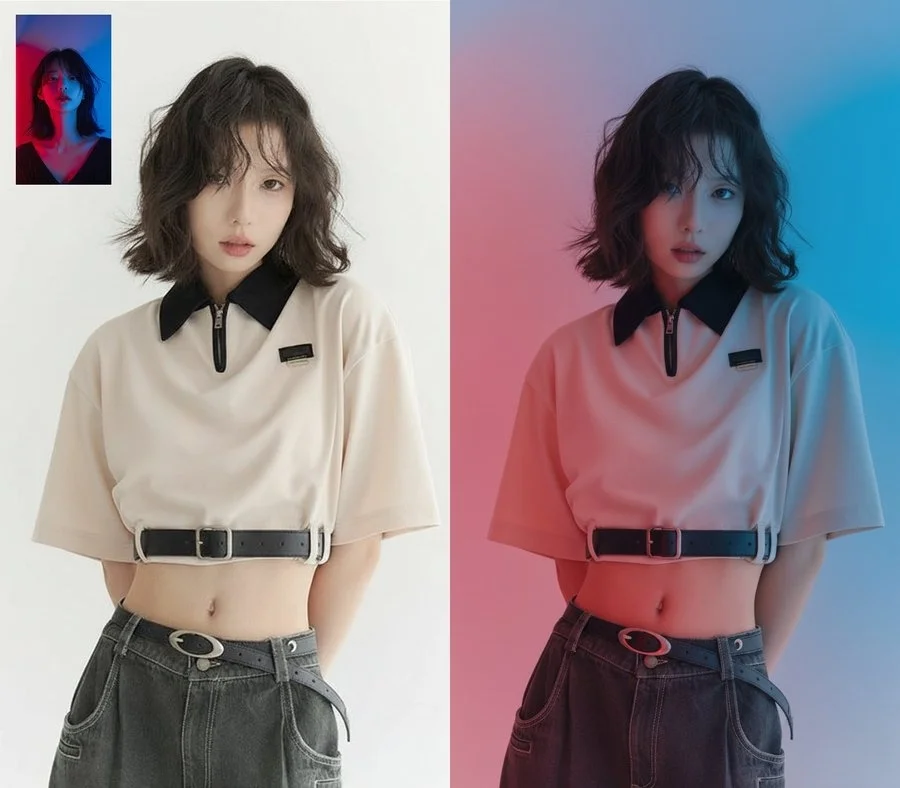
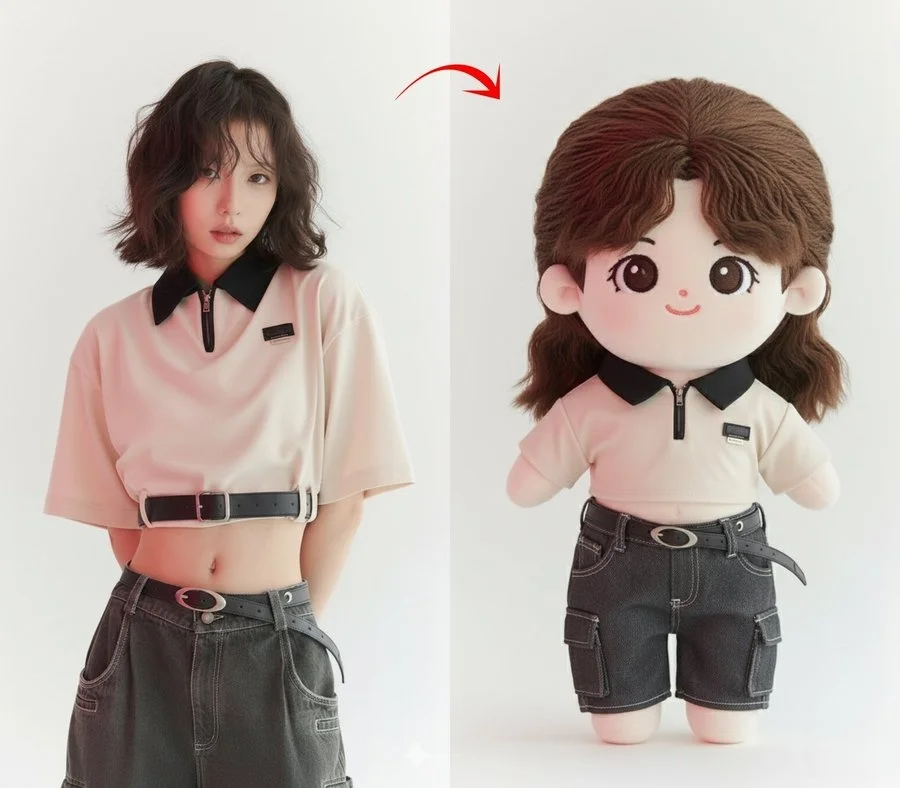
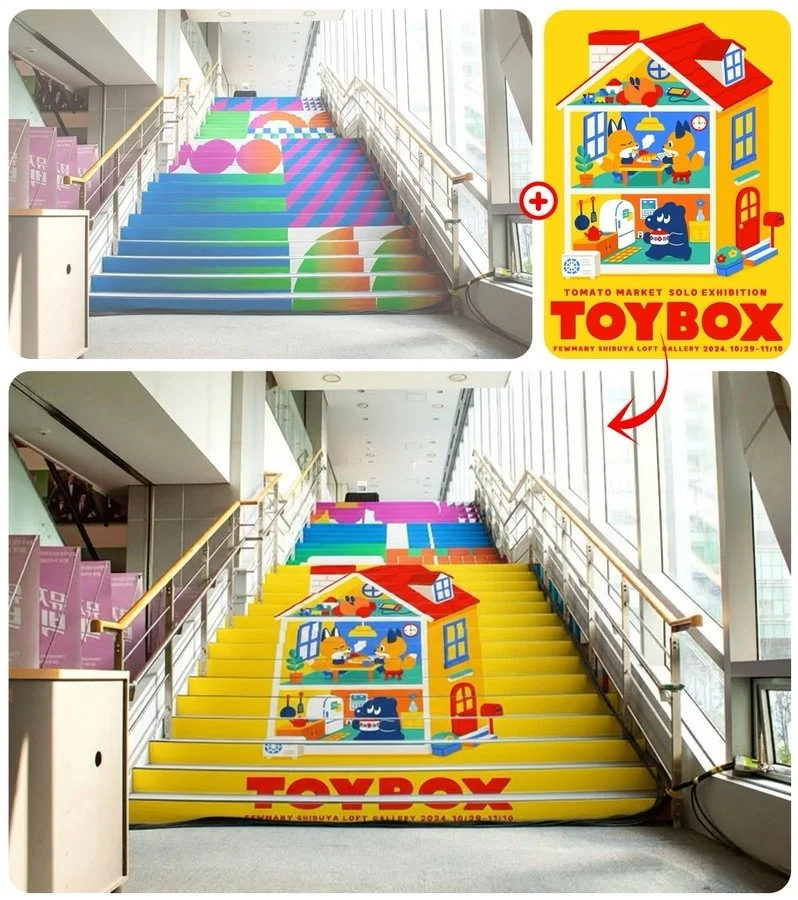
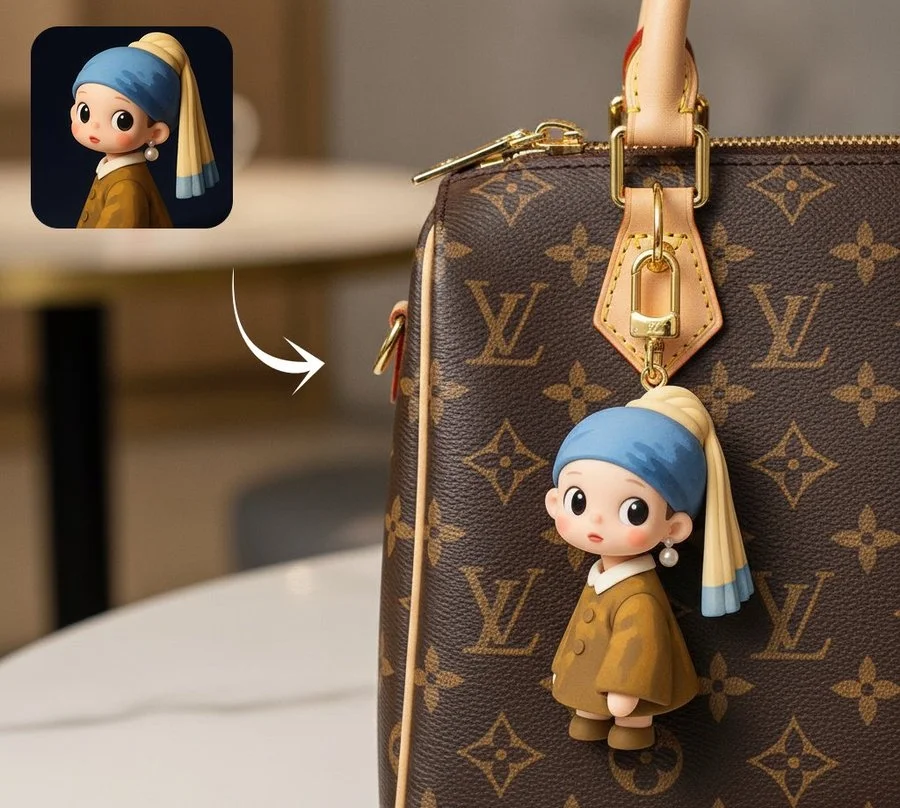
Gemini Nano Banana Image to Image AI Generator
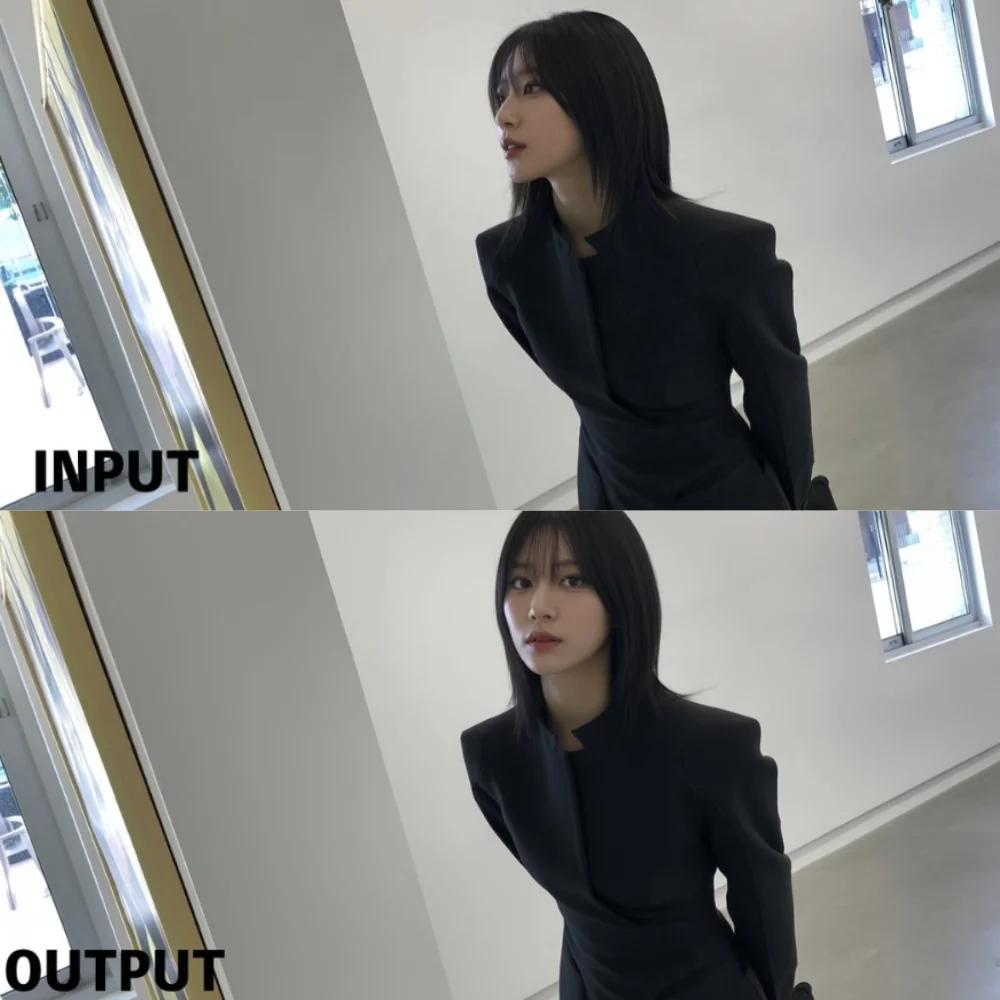
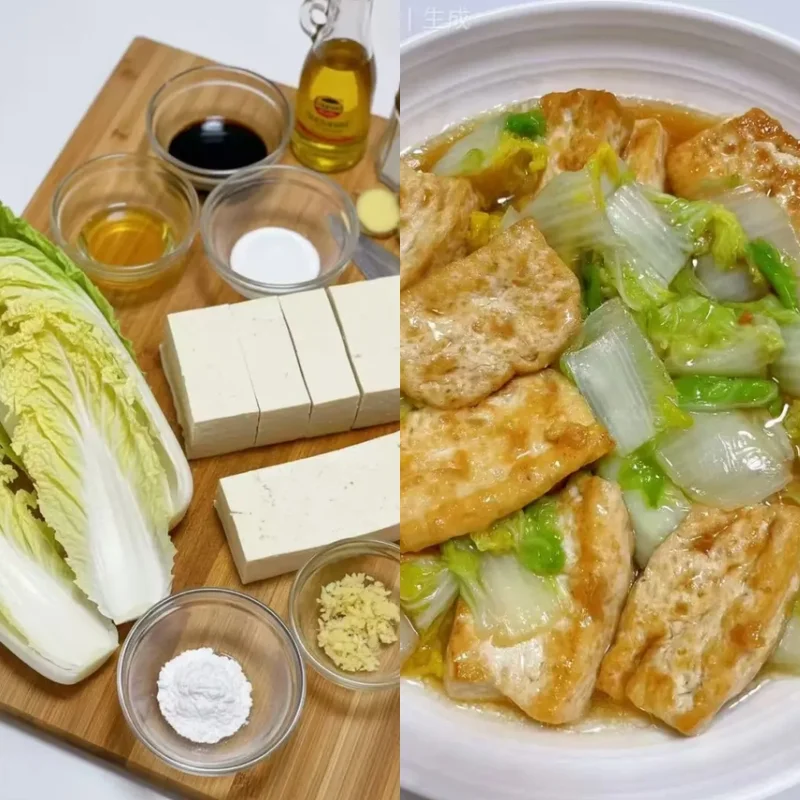
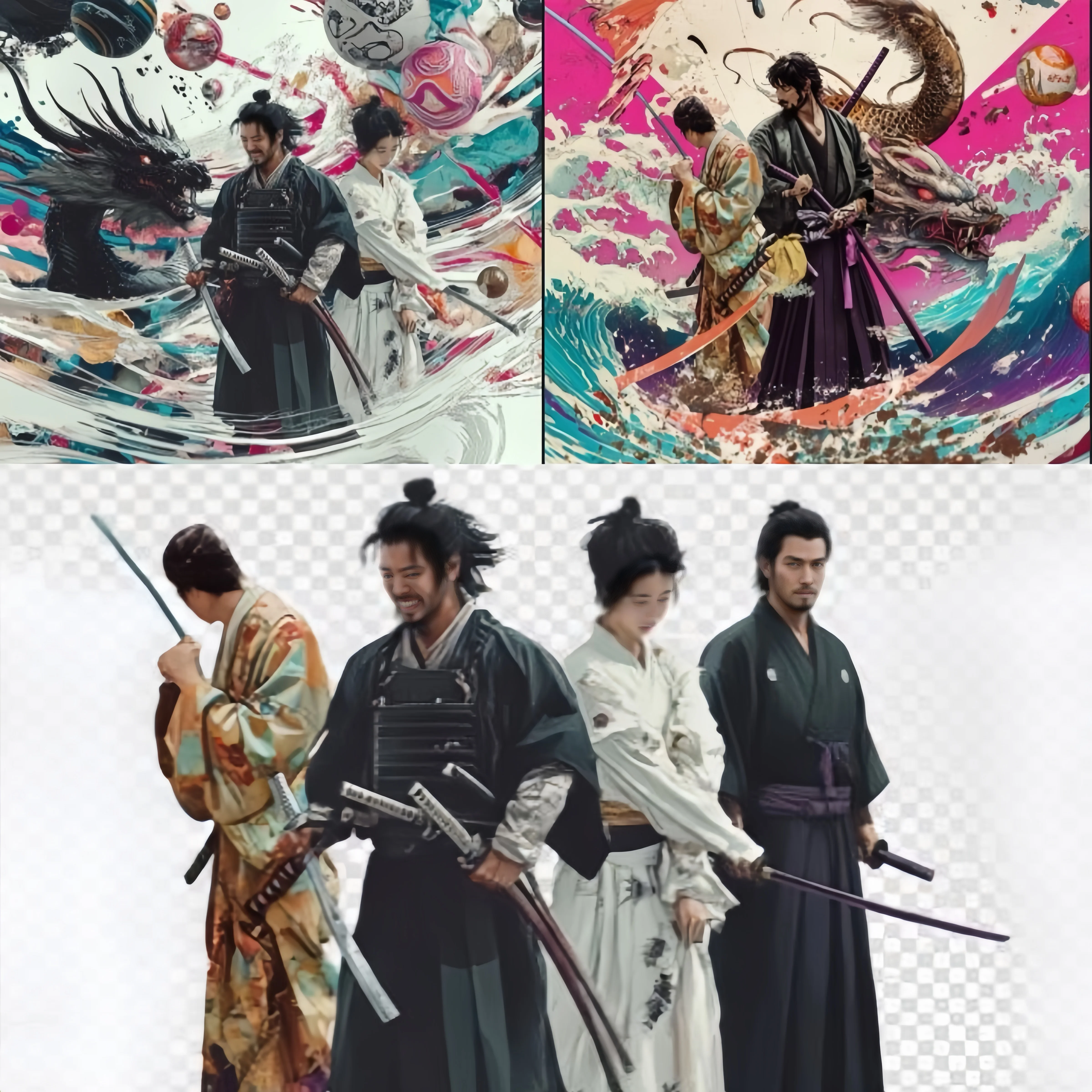
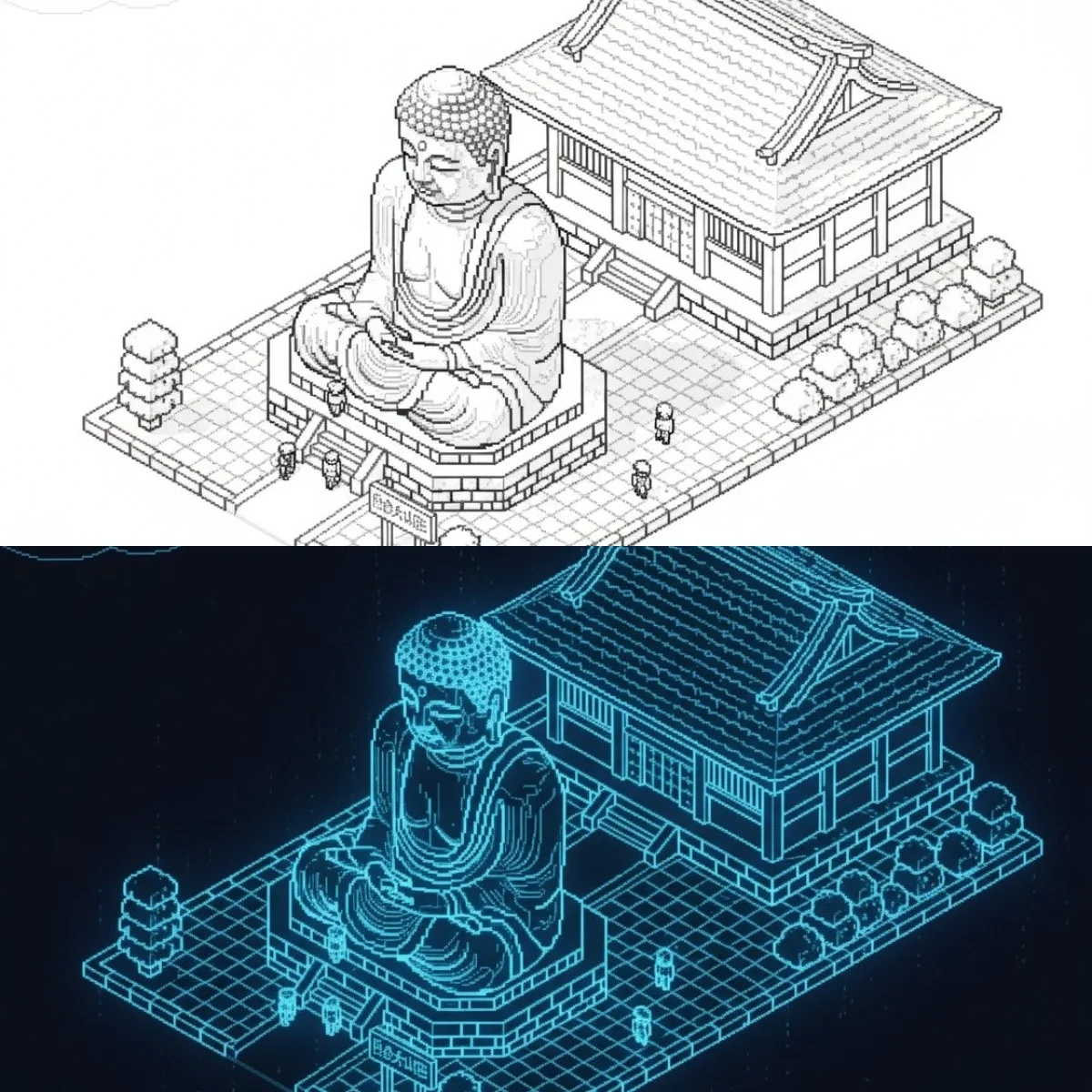
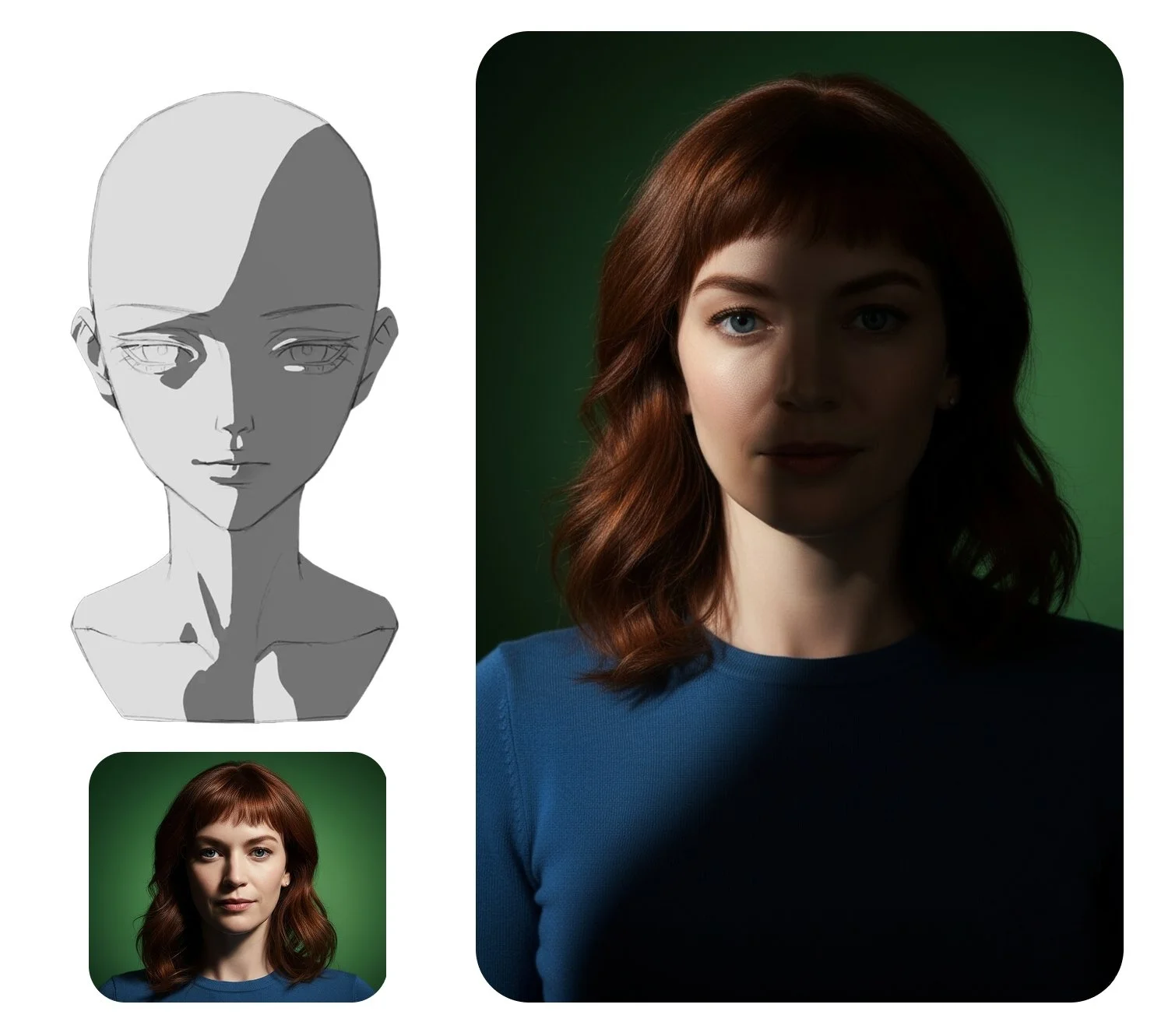
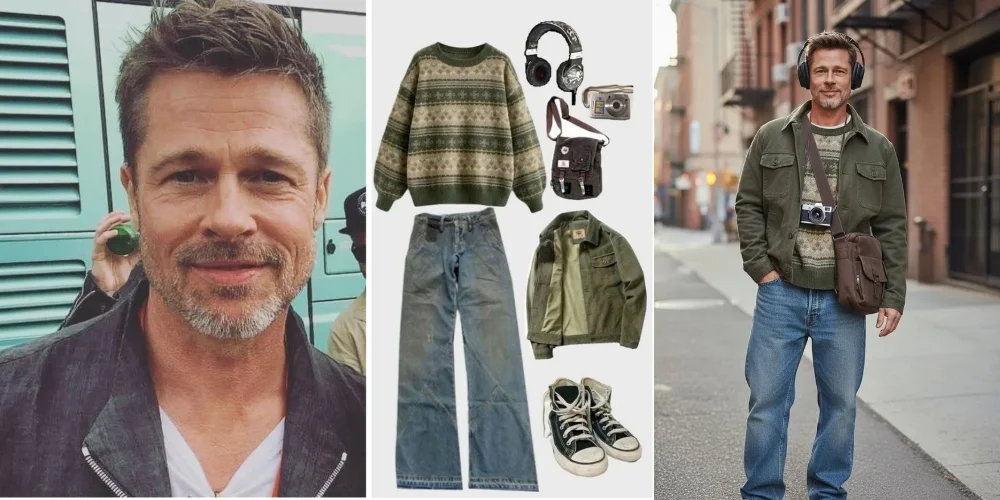
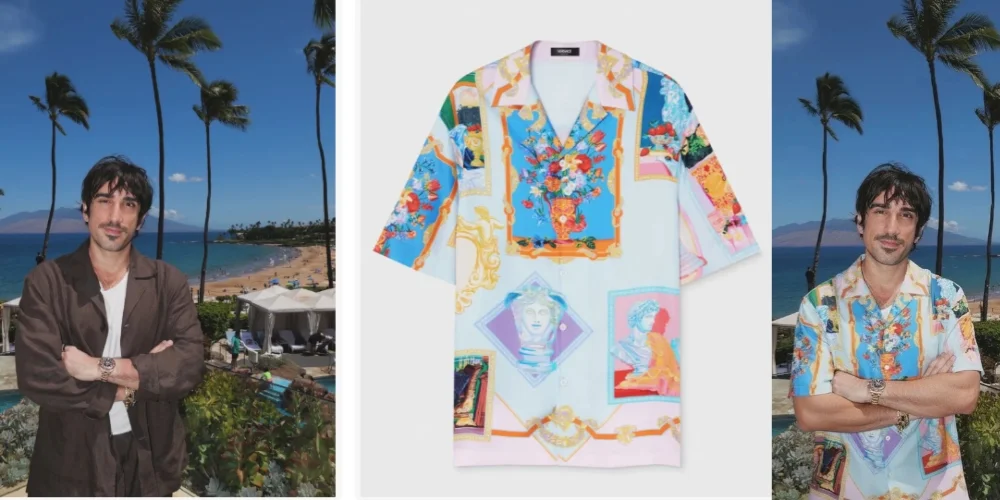
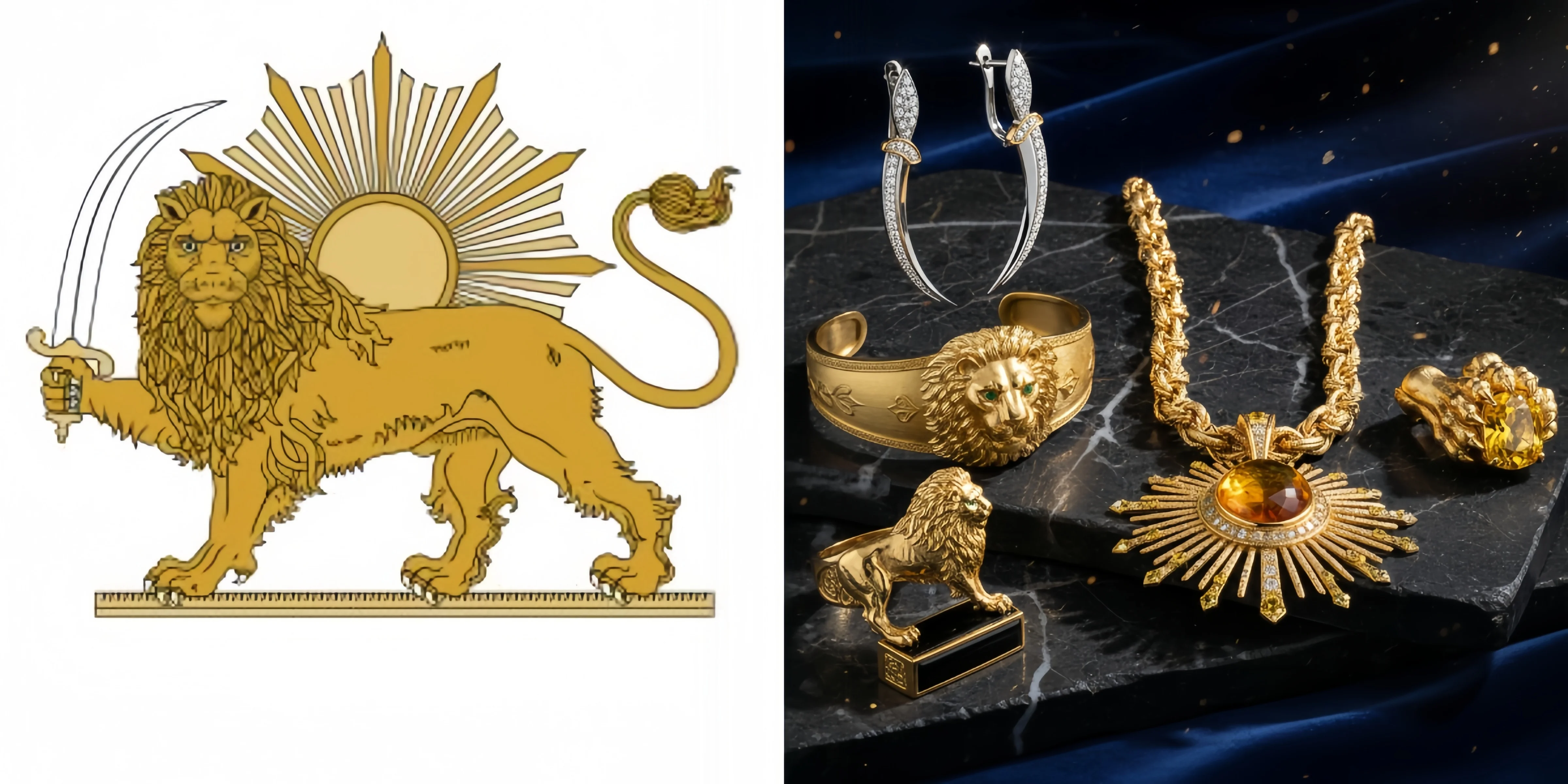
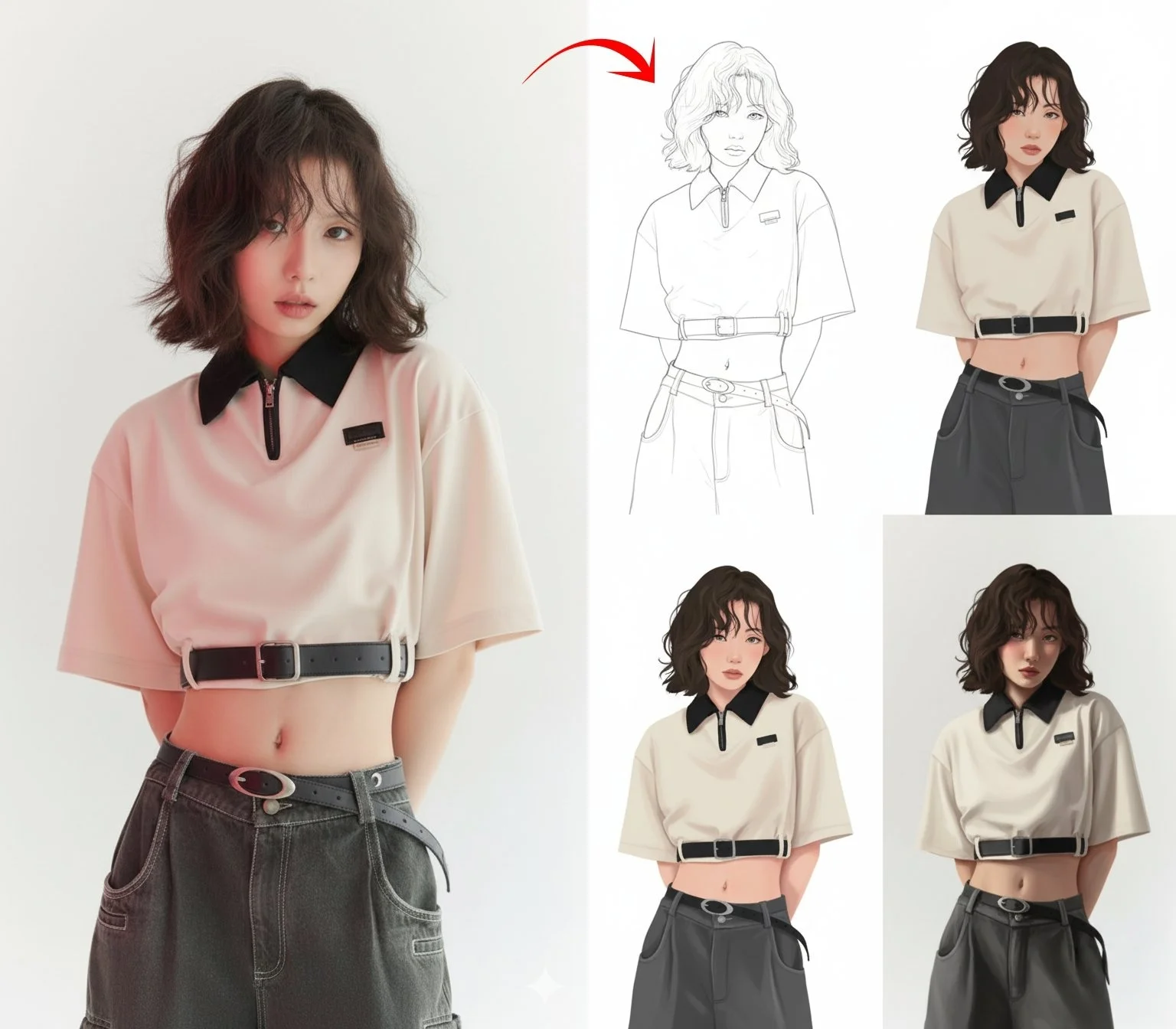
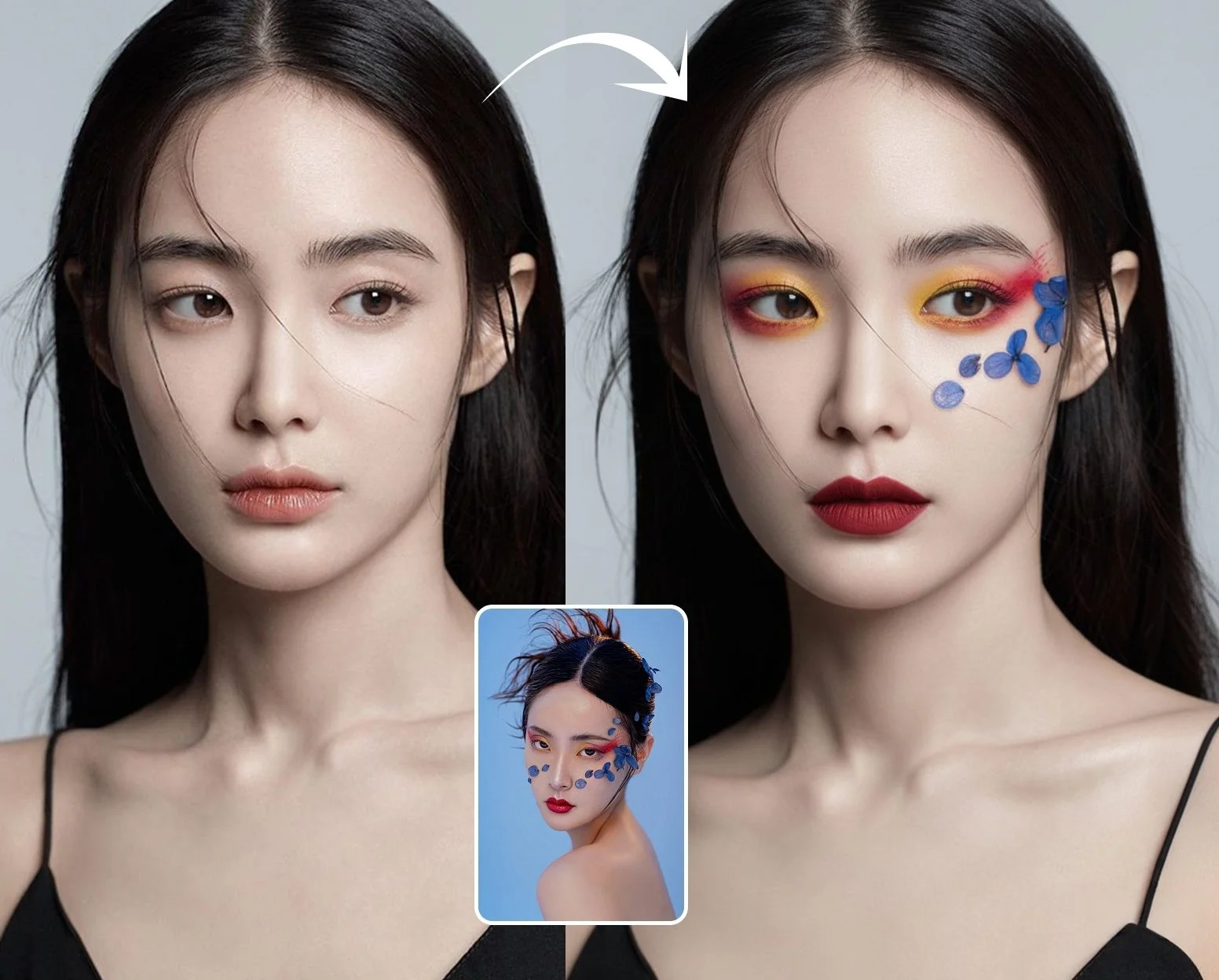
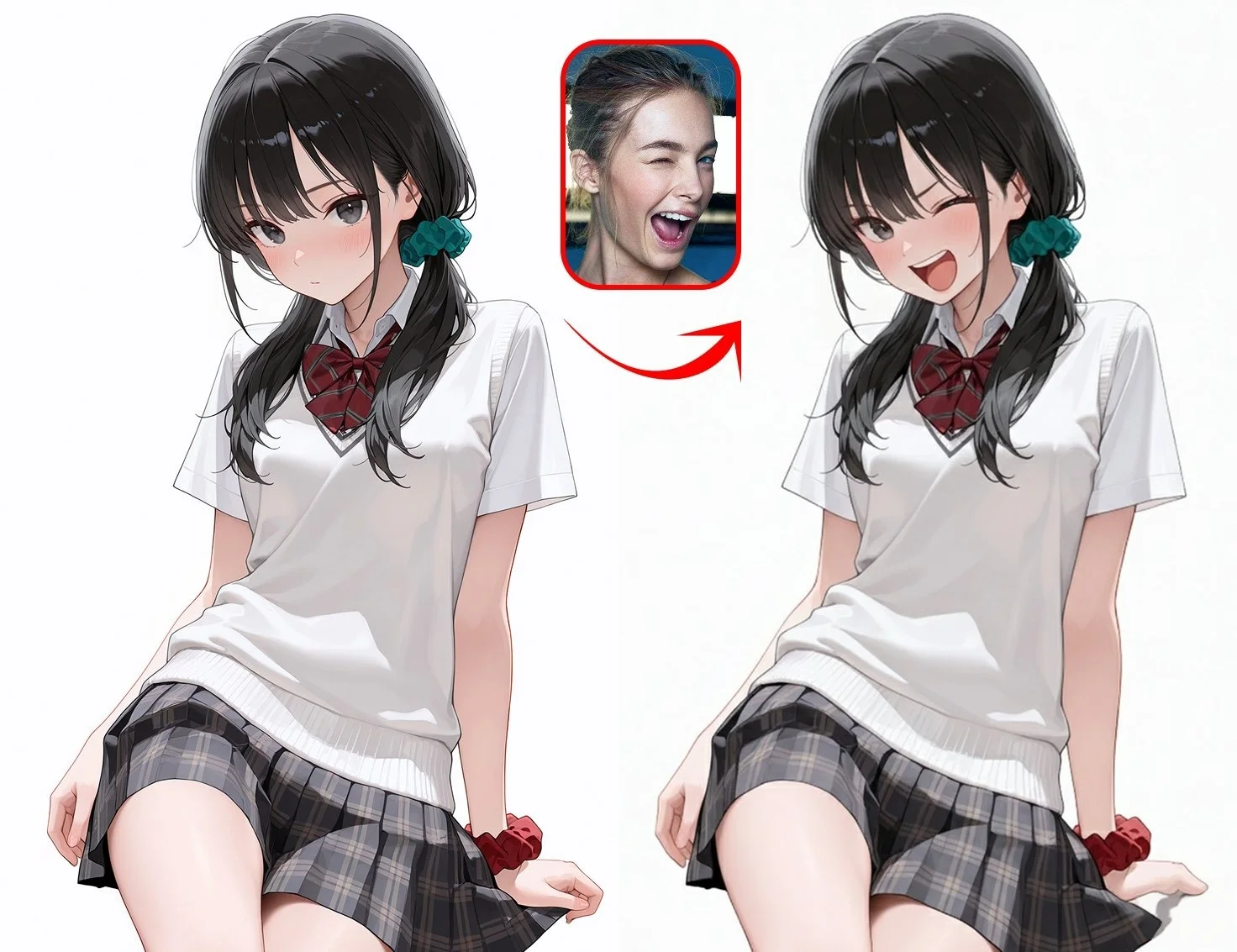
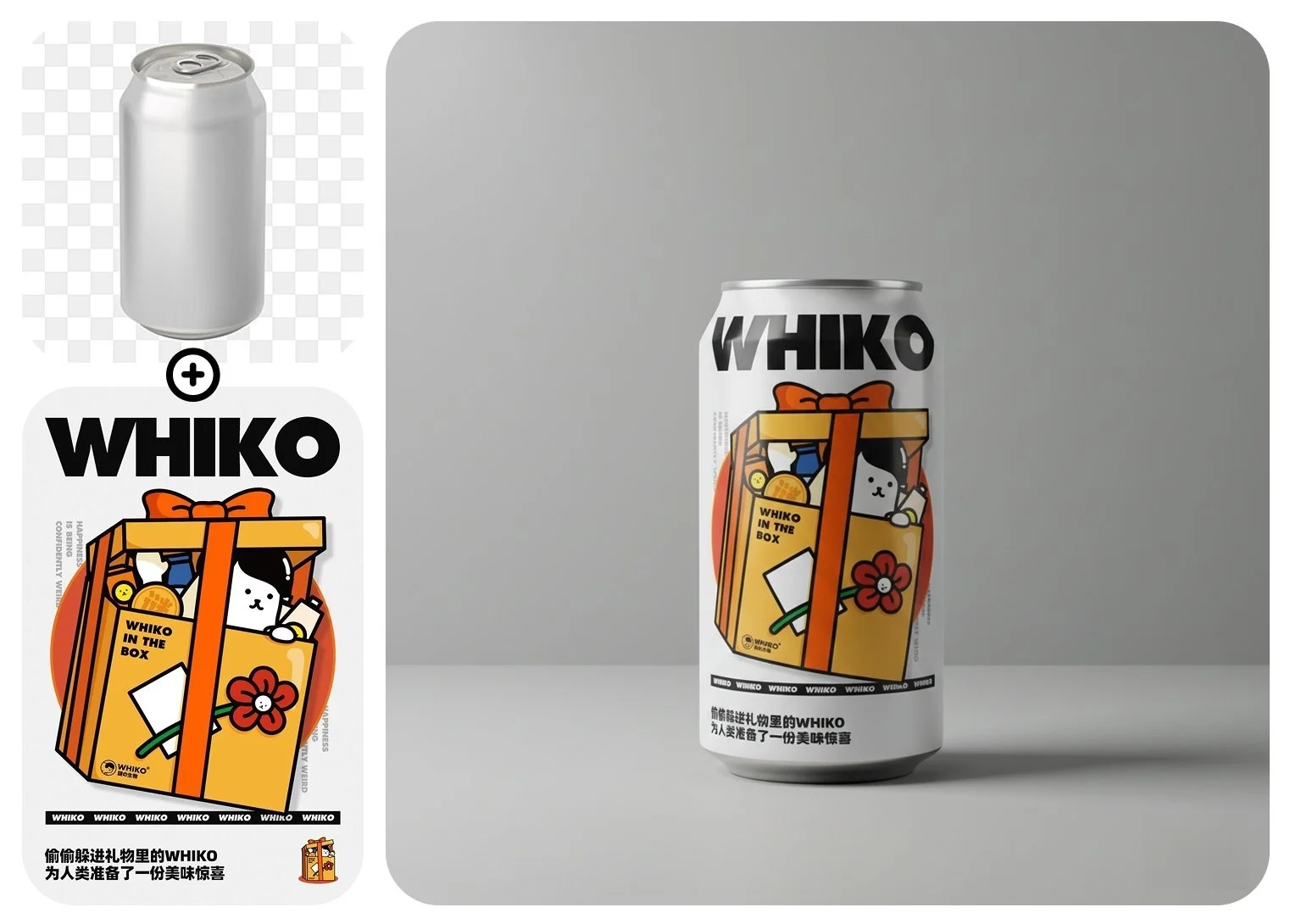
Gemini Nano Banana image to image is an AI image generator from image that edits existing photos using six AI models, each with a different editing architecture. Nano Banana by Google uses persistent token locking for identity-preserving edits. Nano Banana 2 by Google adds search-grounded context for accurate real-world editing with 14 references. Seedream 4.5 by ByteDance handles artistic style transfer at 4K with 14 references. Seedream 5 Lite by ByteDance uses Chain-of-Thought reasoning for semantically precise transformations with 14 references. GPT Image by OpenAI excels at selective editing and text overlays with 16 references. Flux by Black Forest Labs provides the fastest editing pipeline.
AI Image Editing Models on Gemini Nano Banana
Six image to image AI models on Gemini Nano Banana. Each uses a different editing architecture — identity preservation, style transfer, text overlay, or inpainting.
GPT Image
OpenAI · Precise Selective Editing
GPT Image edits by predicting modified visual tokens autoregressively — changing only what you specify while preserving lighting, composition, and style in untouched areas. Its architecture tracks facial similarity, texture, and lighting consistency across sequential edits. Text overlays added during editing render with the same legibility as text-to-image generation — logos, labels, and typography stay readable.
Seedream
ByteDance · Style Transfer & Consistency
Seedream uses a cross-image consistency module that computes feature maps across multiple reference inputs to triangulate identity data points — achieving 90% character consistency accuracy and 9.6/10 facial landmark scores. A redesigned VAE pipeline preserves high-frequency details like small text and skin texture without AI artifacts. Unified architecture handles both generation and editing, enabling lossless style transfer across photorealism, anime, oil painting, and watercolor.
Flux
Black Forest Labs · Inpainting & Outpainting
Flux uses rectified flow transformers for context-aware inpainting and outpainting — filling missing areas or extending images beyond their borders with content that blends seamlessly into the original. Built by the creators of Stable Diffusion, the architecture supports multiple sequential edits with minimal visual drift. Guidance distillation delivers editing speed without sacrificing coherence.
Nano Banana
Google · Identity Preservation
Nano Banana edits images using session-based memory and persistent token locking — key visual descriptors like eye color, facial scars, and hair texture are locked as persistent tokens that survive across edits. The model remembers what it is editing without re-description. Supports batch editing: one prompt across multiple images, multiple prompts on one image, or cross-combinations. All edits carry SynthID invisible watermarks for AI detection.
Nano Banana 2
Google · Search-Grounded Identity Editing
The next generation of Nano Banana editing with Google Search grounding baked into the transformation pipeline. Ensures edits involving real-world brands, locations, or subjects maintain factual accuracy. Accepts 14 reference images for multi-element consistency with 4K output at Flash speed.
Seedream 5 Lite
ByteDance · Reasoning-Based Transformations
ByteDance's reasoning-first editing engine that deconstructs complex transformation requests into logical steps before execution. Chain-of-Thought processing ensures semantically accurate edits — understanding what you mean, not just what you typed. Handles 14 reference images with up to 3K output.
Gemini Nano Banana AI Image Generator from Image
Gemini Nano Banana is an AI image generator from image that brings six editing architectures into one platform. Nano Banana locks visual identity tokens during edits so characters stay identical. Nano Banana 2 grounds edits with web intelligence for accurate real-world context. Seedream 4.5 applies artistic style transfer across 14 references at 4K. Seedream 5 Lite reasons through complex transformation requests for semantic accuracy. GPT Image modifies only the visual tokens you specify. Flux provides the fastest inpainting and outpainting pipeline.
Image to Image AI Use Cases on Gemini Nano Banana
AI image editing grew 441% year-over-year in 2024, the fastest growing software category. 72% of creative agencies use AI photo editing daily. Gemini Nano Banana handles these workflows with model-specific editing strengths.
AI Style Transfer
One photo, any artistic style
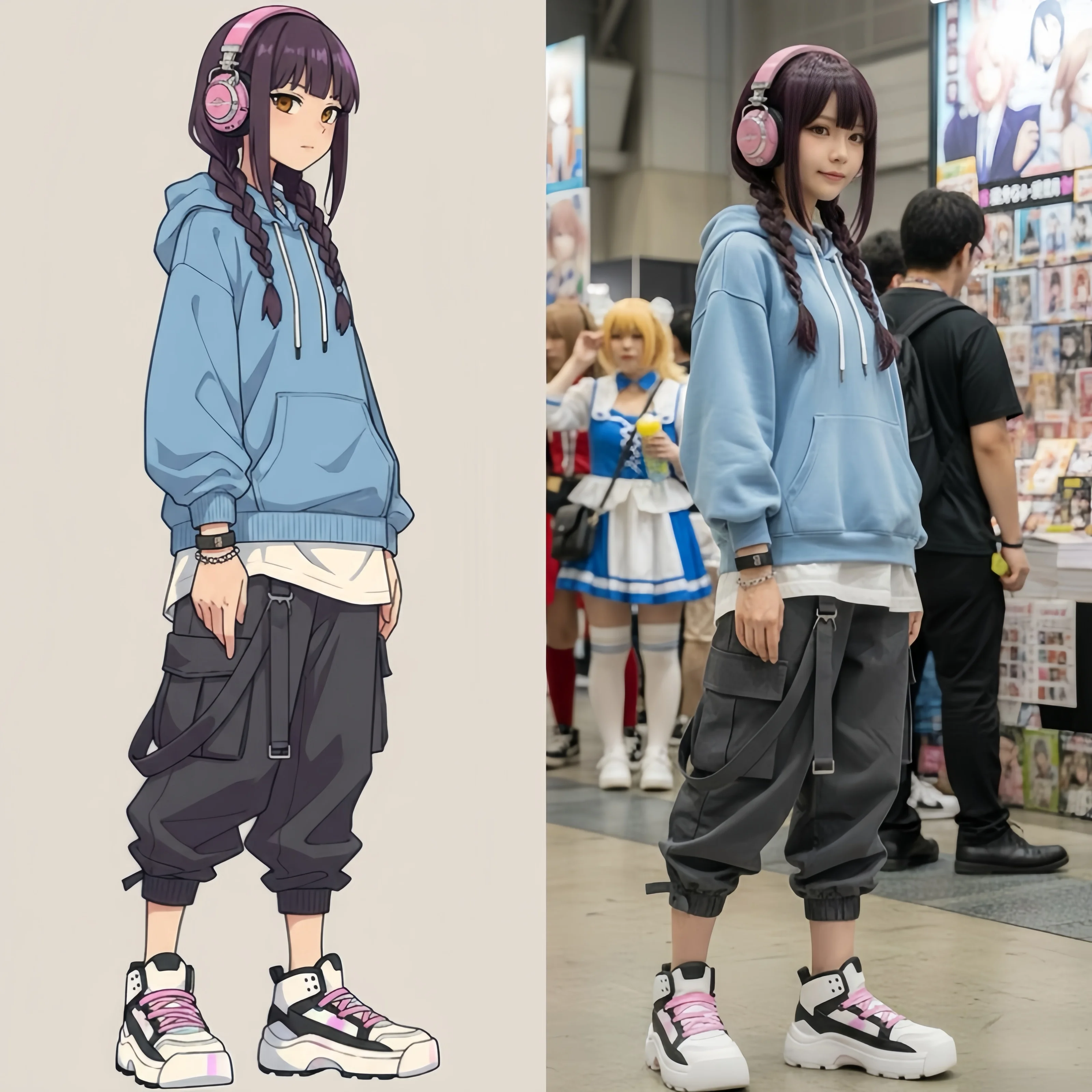
Seedream on Gemini Nano Banana converts photos between artistic styles — photorealism, anime, oil painting, watercolor, sketch — while its cross-image consistency module maintains 90% identity accuracy. Upload a portrait and transform it into an oil painting without losing facial features.
AI Photo Enhancement
Professional edits in seconds
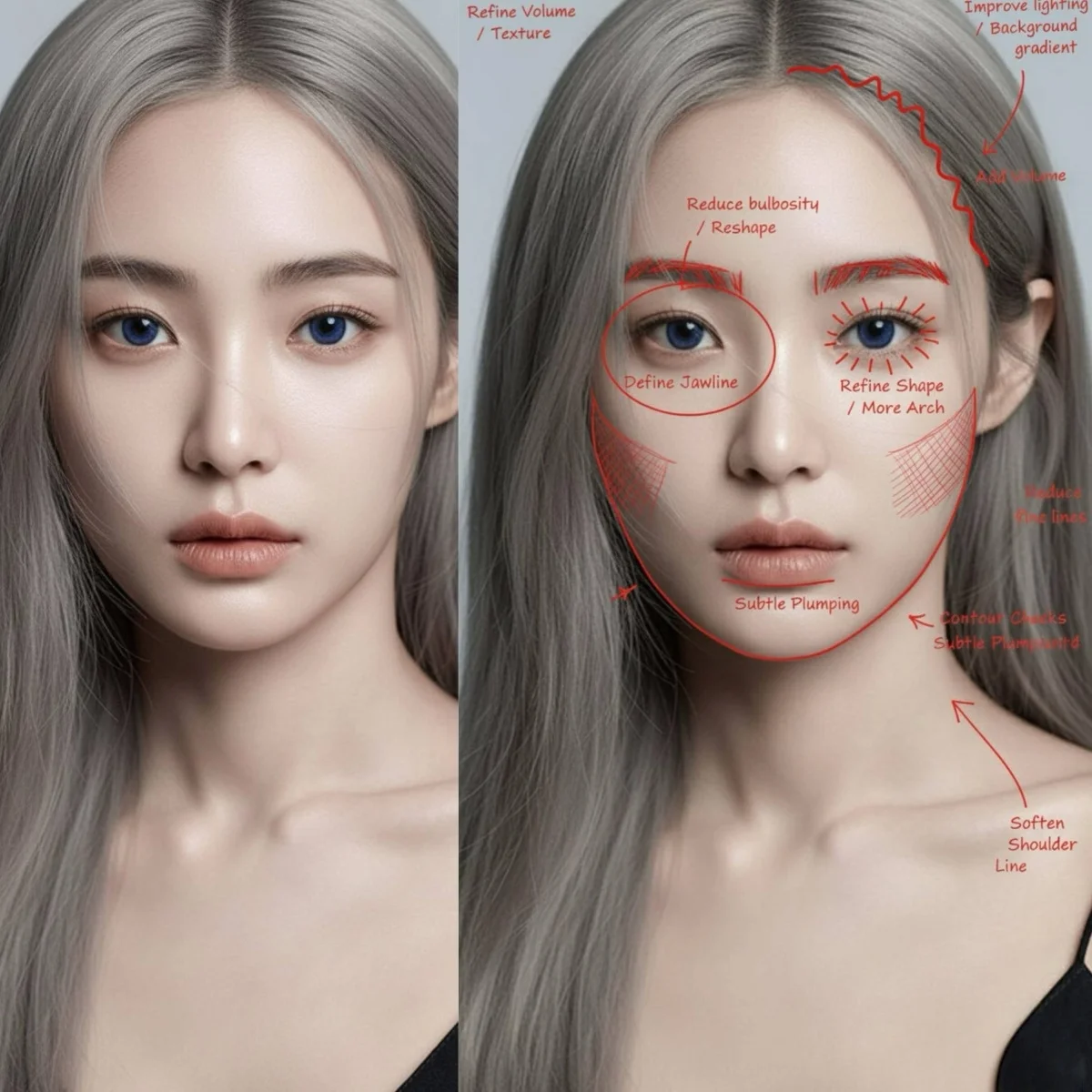
71% of photographers now use AI editing software regularly. Gemini Nano Banana image to image enhances lighting, color grading, and detail — adjusting camera angle, creating bokeh, or rebalancing exposure through natural language prompts instead of manual slider adjustments.
AI Background Change
Context-aware replacement
Flux on Gemini Nano Banana uses context-aware inpainting to replace or extend backgrounds seamlessly. The rectified flow architecture ensures new background content matches the lighting, perspective, and color temperature of the original subject — no visible seams or artifacts.
AI Object Editing
Add, remove, or modify elements
GPT Image on Gemini Nano Banana modifies specific objects through autoregressive editing — add elements, remove unwanted items, or change properties while preserving everything else. The architecture predicts only the modified visual tokens, leaving untouched areas pixel-identical.
AI Image Upscaling
Resolution enhancement with detail
Seedream's redesigned VAE pipeline preserves high-frequency details during upscaling — small text, skin texture, and fine patterns stay sharp without AI artifacts. Native high-resolution output handles print and large-format production requirements.
AI Product Photography
E-commerce product visuals at scale
Enterprise e-commerce brands process thousands of product images daily with AI. Gemini Nano Banana image to image places products in new scenes, adjusts lighting, and adds lifestyle context — producing professional product photography at a fraction of traditional studio costs.
Image Editing Prompt Examples for Gemini Nano Banana
Image to image prompts on Gemini Nano Banana describe what should change, not what the image should look like from scratch. Specify the transformation, name what must stay unchanged, and match the model to the editing task.
E-Commerce Product Shot
Best with Flux — context-aware scene replacement
"Move this product onto a wooden shelf in a sunlit boutique store. Warm directional lighting from a large window on the right casting long shadows. Add a small potted succulent beside it. All packaging typography and barcode must remain sharp and legible."
Portrait to Anime Style
Best with Seedream — 90% identity consistency across styles
"Convert this portrait into anime cel-shaded illustration style. Preserve the exact face shape, eye color, hairstyle, and expression. Use flat color fills with clean outlines, subtle highlight gradients on hair, soft pastel background, Studio Ghibli color palette."
Interior Design Restyling
Best with GPT Image — selective element modification
"Restyle this living room to mid-century modern. Replace the sofa with a low-profile walnut-frame couch, swap the rug for a geometric pattern, add a brass arc floor lamp. Keep the room dimensions, window positions, and natural lighting unchanged."
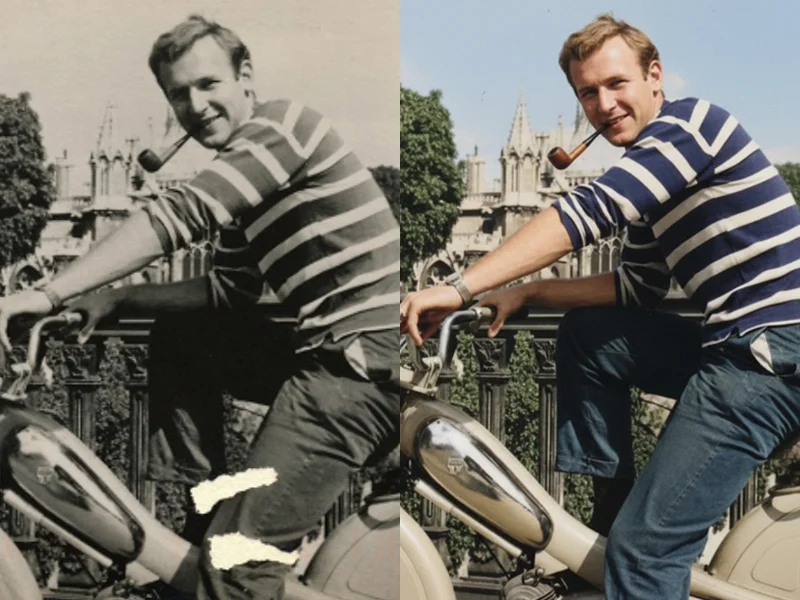
Black & White Colorization
Best with Nano Banana — identity-preserving transformation
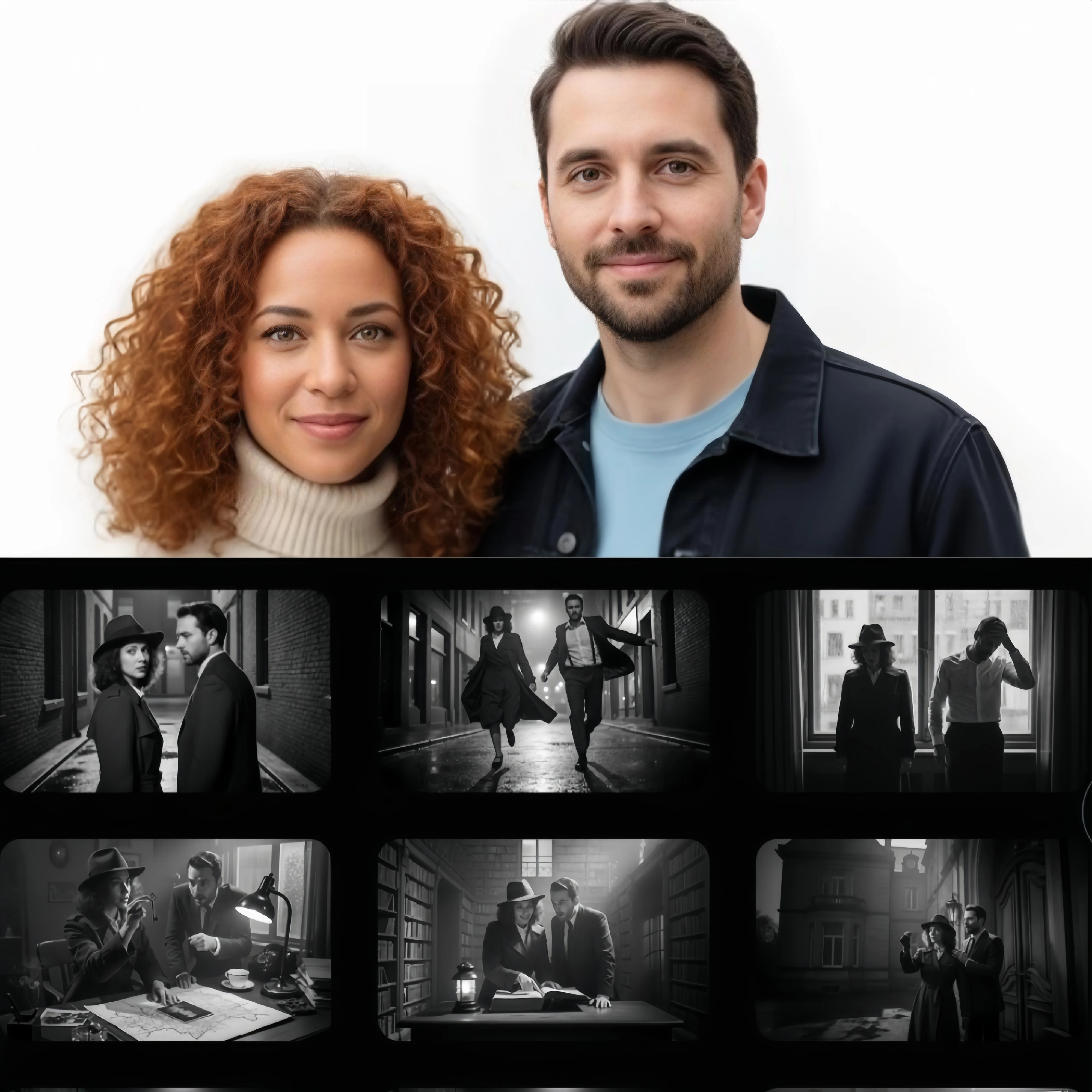
"Colorize this black and white photograph with historically accurate colors. Skin tones should look natural, fabrics should reflect the era's common dyes, and the background should match the likely season and time of day. Preserve every facial detail and expression exactly."
Prompt Tips for Gemini Nano Banana Image to Image
- • Describe the transformation, not the image - Image to image prompts describe what should change: 'convert to anime style', 'replace the background'. Do not re-describe what is already in the photo — the AI sees the original and only needs the delta
- • Name what must stay unchanged - Explicitly protect elements: 'keep facial features identical', 'preserve the product text'. Nano Banana's persistent token locking and GPT Image's selective editing respond well to preservation instructions
- • Match model to editing task - Nano Banana for identity preservation, Nano Banana 2 for search-grounded accuracy of real subjects, Seedream for style transfer, Seedream 5 Lite for complex compositional edits, GPT Image for selective object edits, Flux for inpainting and background replacement — different architectures handle different edits
- • Use multiple reference images - Upload reference images for style, composition, or character guidance. More references help the AI understand your creative intent — especially useful for brand consistency and style matching across multiple edits
How Image to Image Works on Gemini Nano Banana
Three steps from uploaded photo to AI-edited result on Gemini Nano Banana.
Upload Your Photo
Upload the image you want to edit — JPG, PNG, or WebP. Add reference images for style guidance, character matching, or composition targets. Gemini Nano Banana image to image AI analyzes the original to understand structure, lighting, and content before editing.
Describe the Edit
Write what should change: style transfer, background replacement, object editing, or enhancement. Be specific about the transformation and name what must stay unchanged. Each model on Gemini Nano Banana uses a different editing architecture optimized for different tasks.
Generate and Download
The AI edits your image and produces the result. Download in PNG or JPEG. Try the same edit across Nano Banana, Seedream, GPT Image, and Flux to compare how each architecture handles the transformation — identity preservation, style accuracy, and detail rendering vary by model.
AI Photo Editing Examples on Gemini Nano Banana
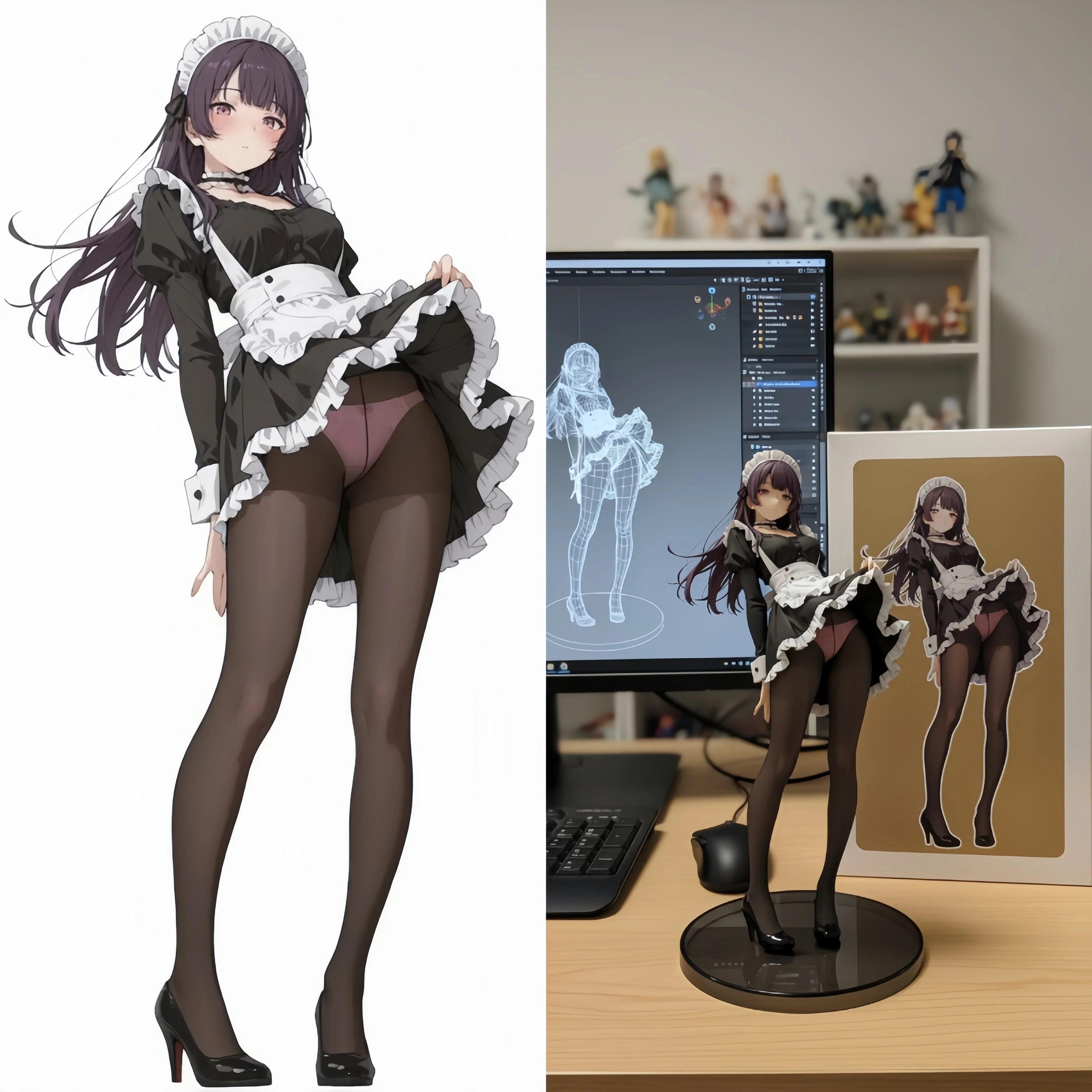
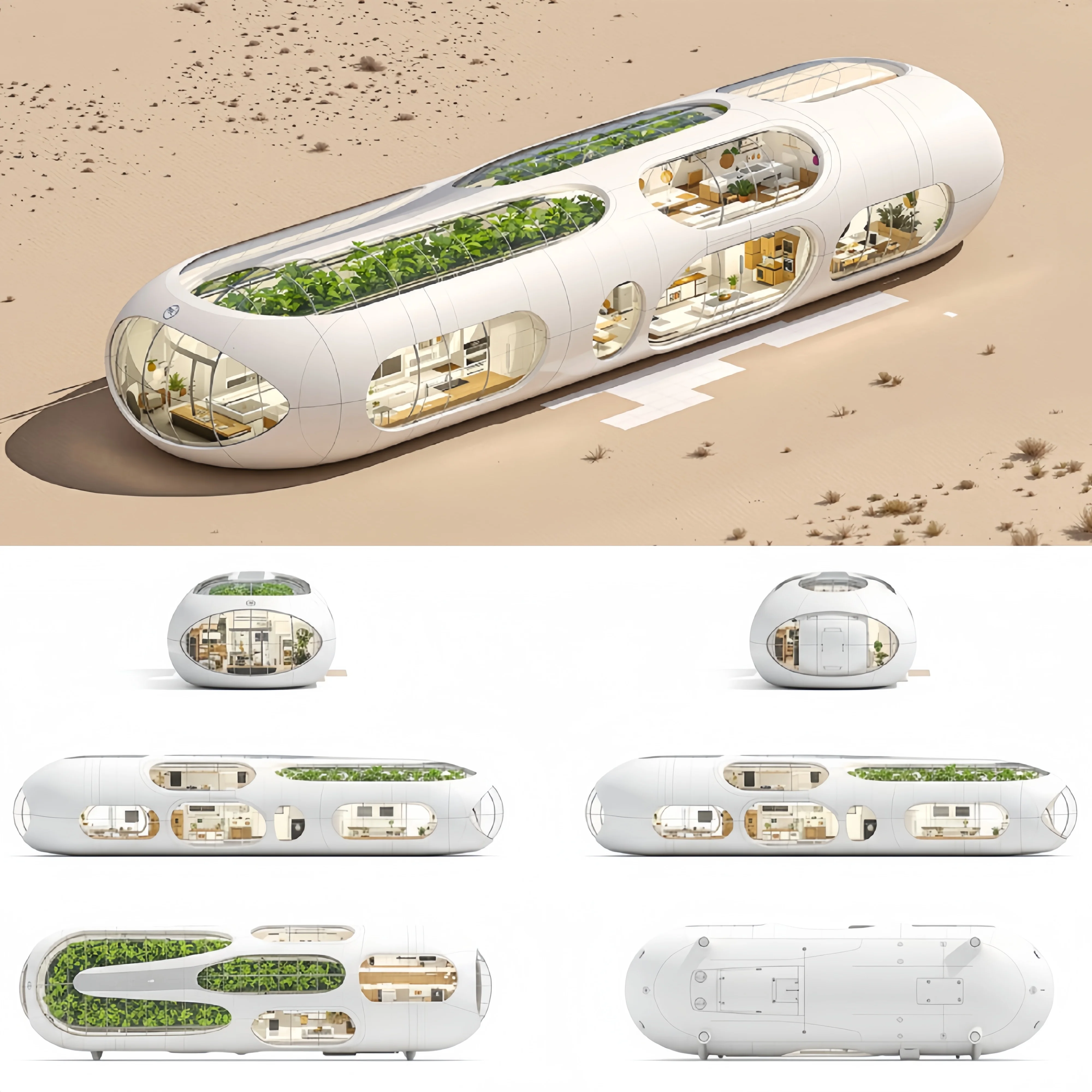
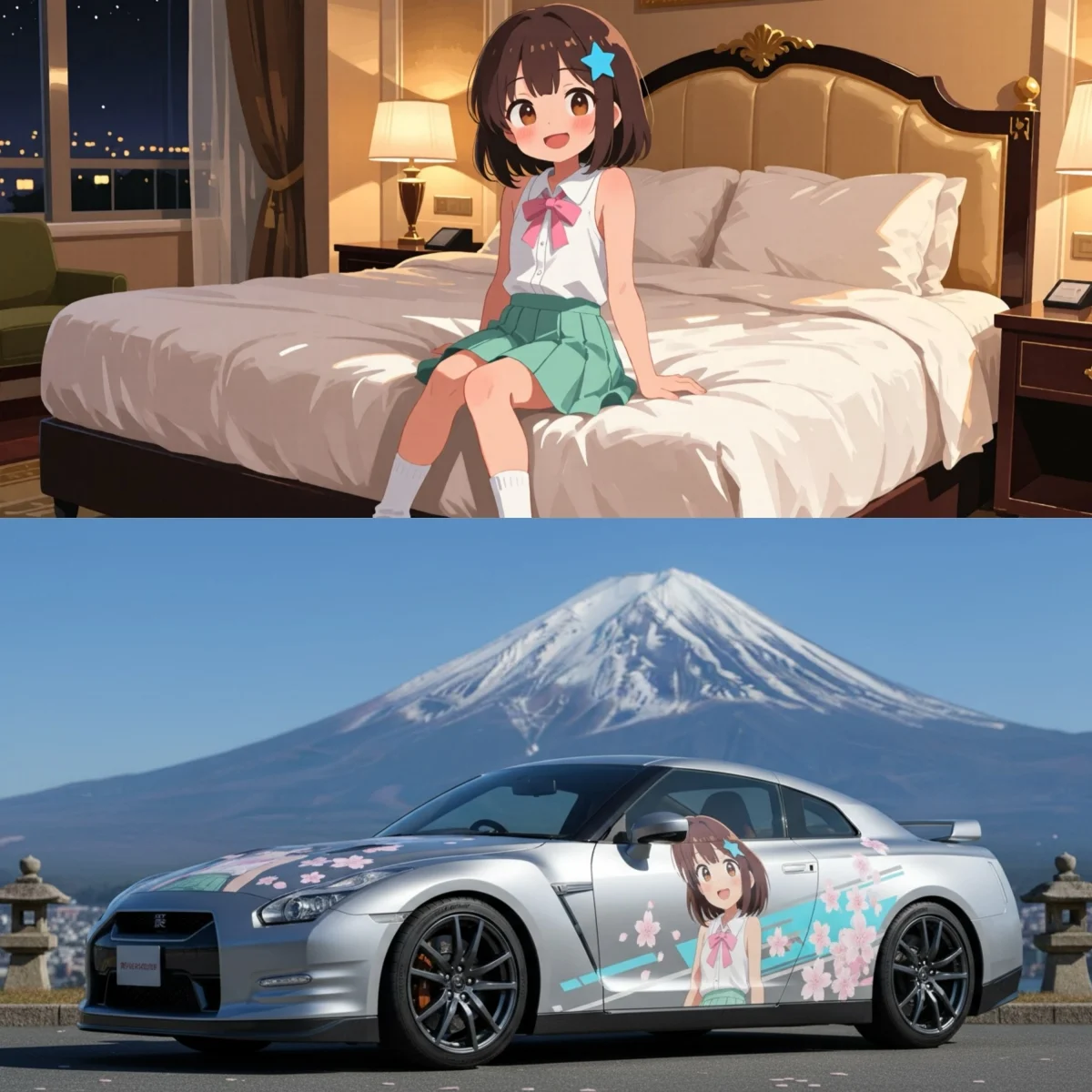
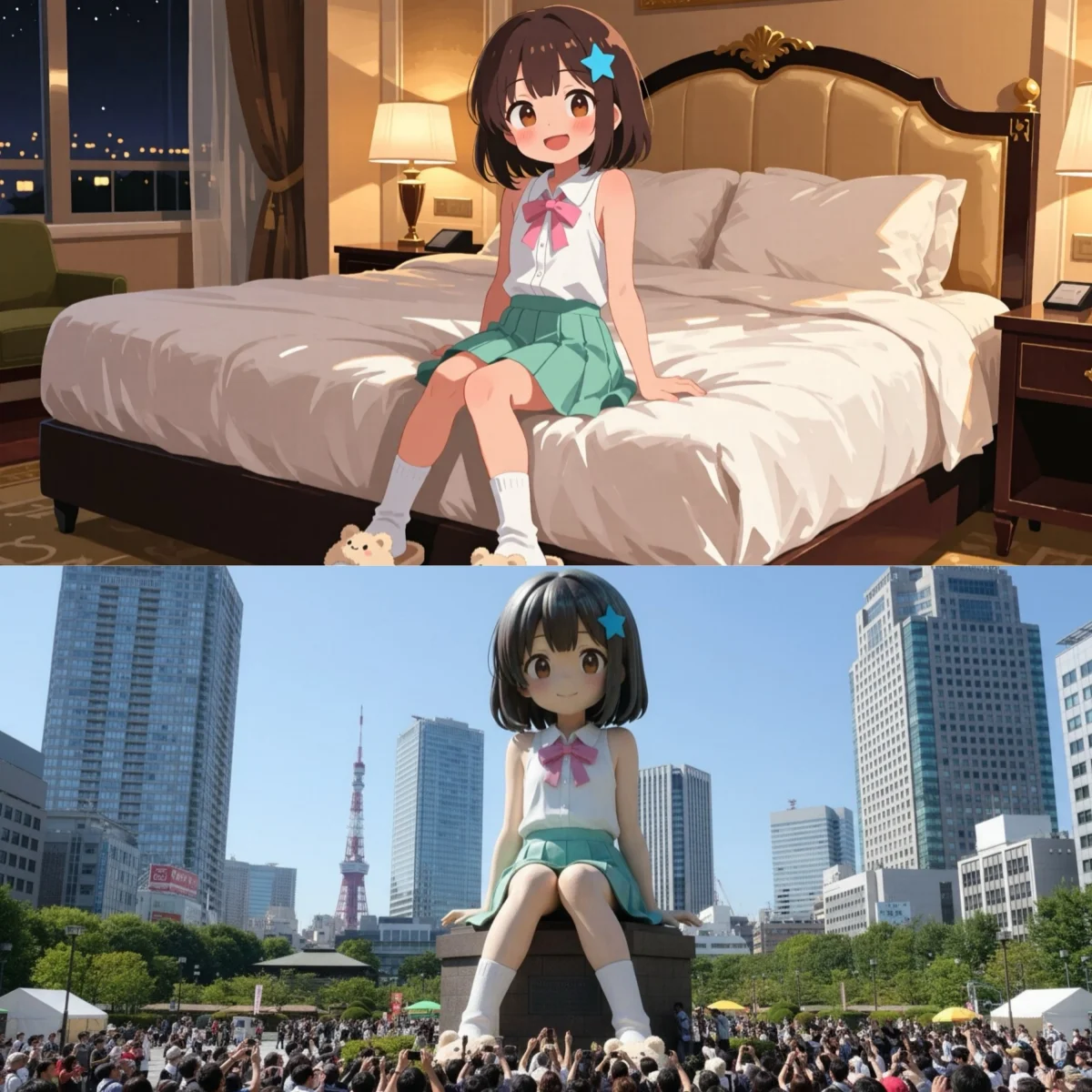
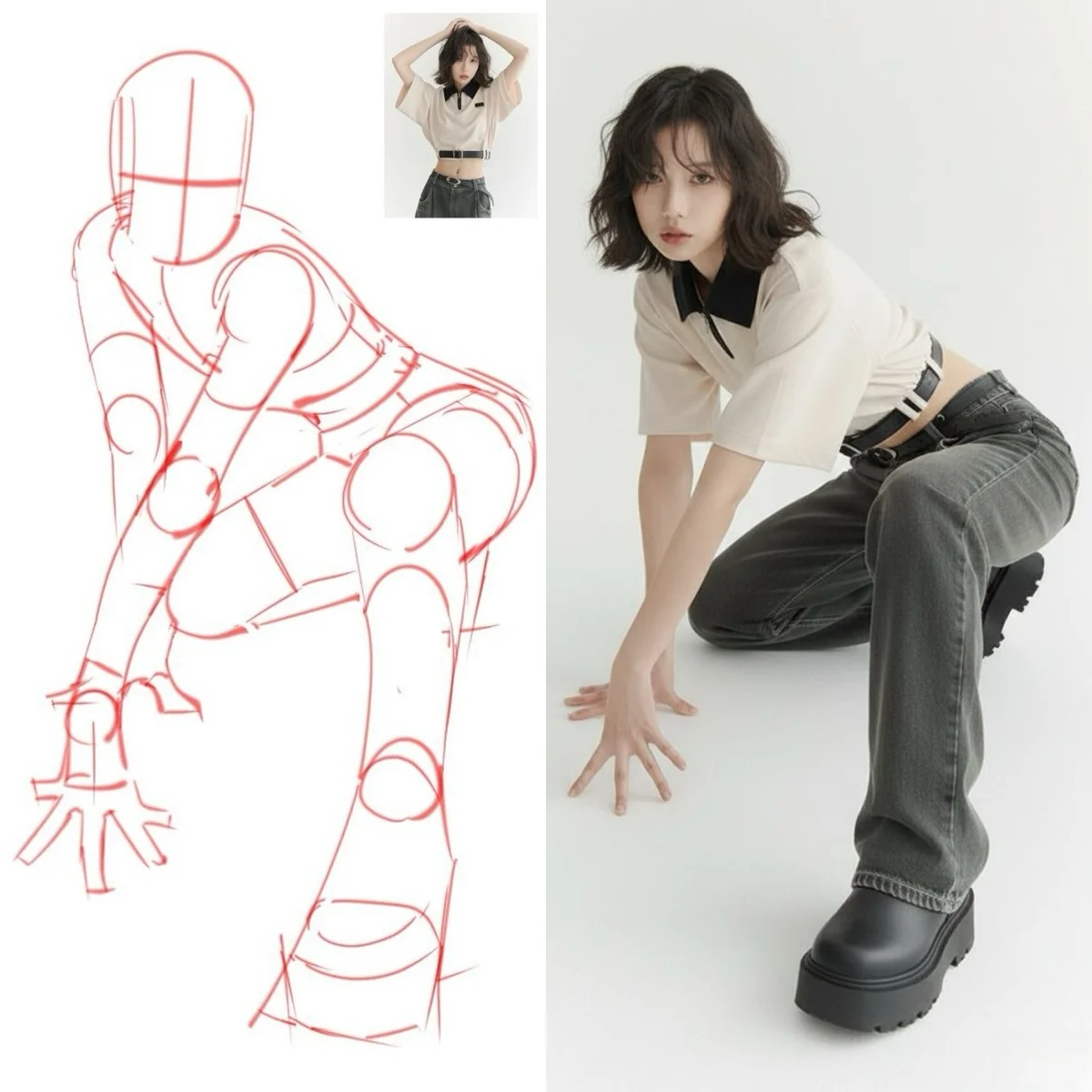
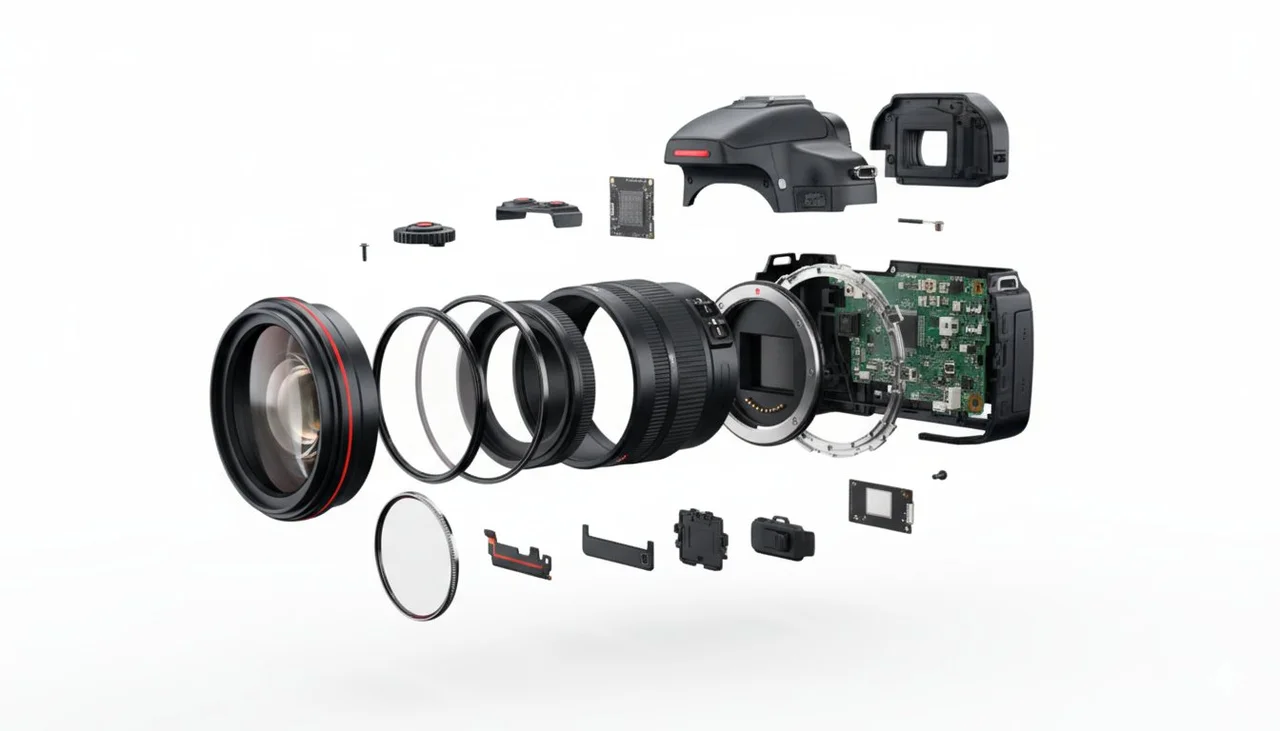
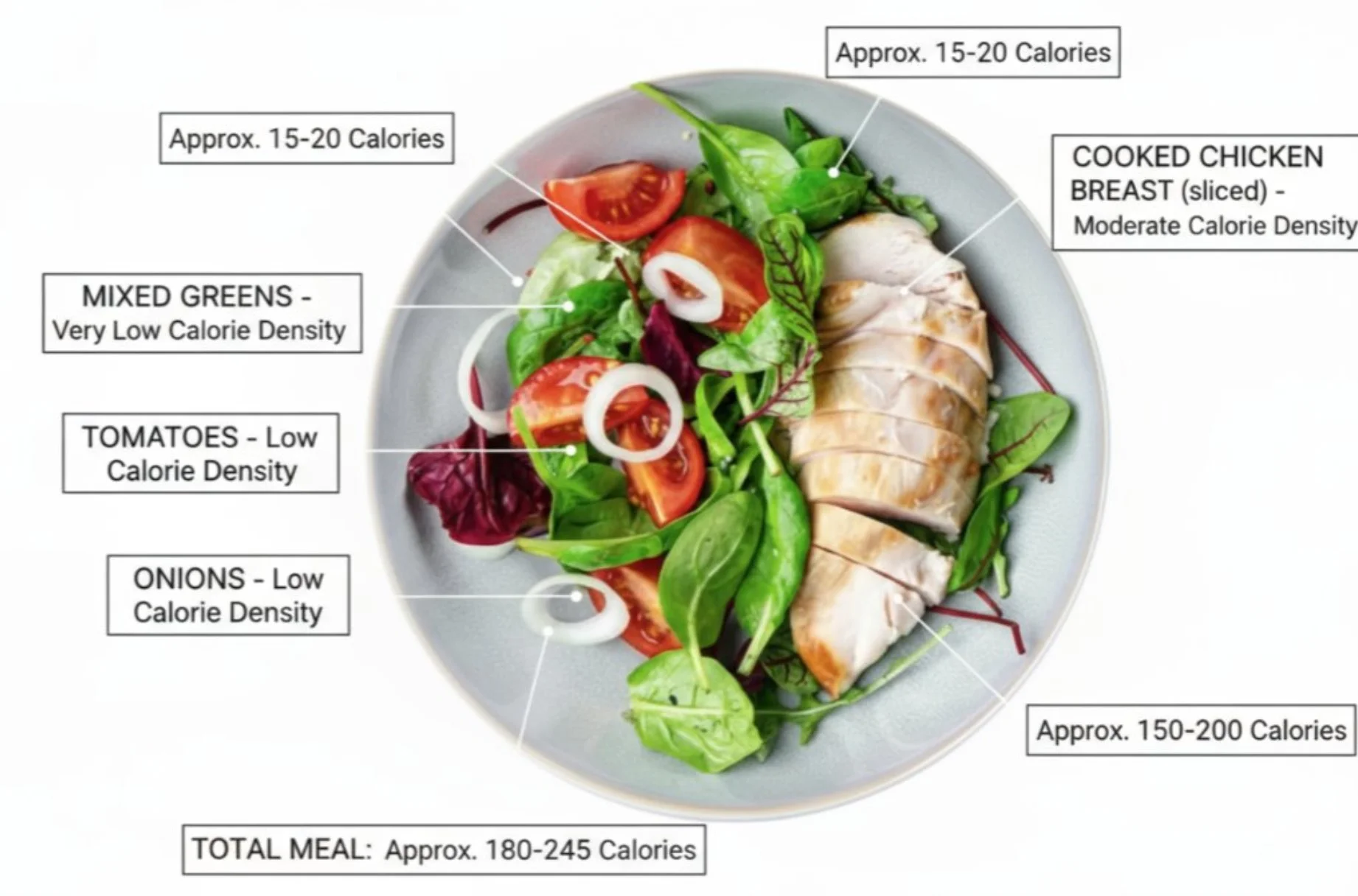
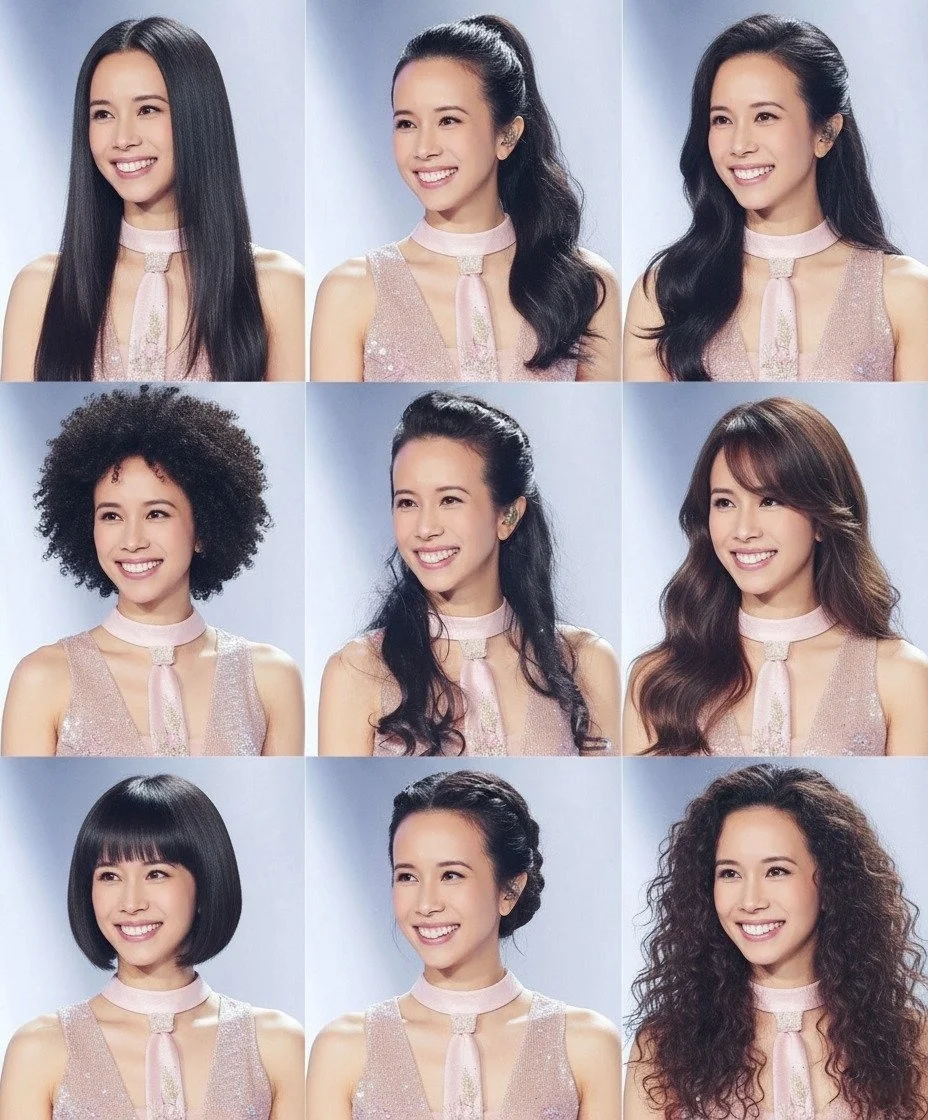
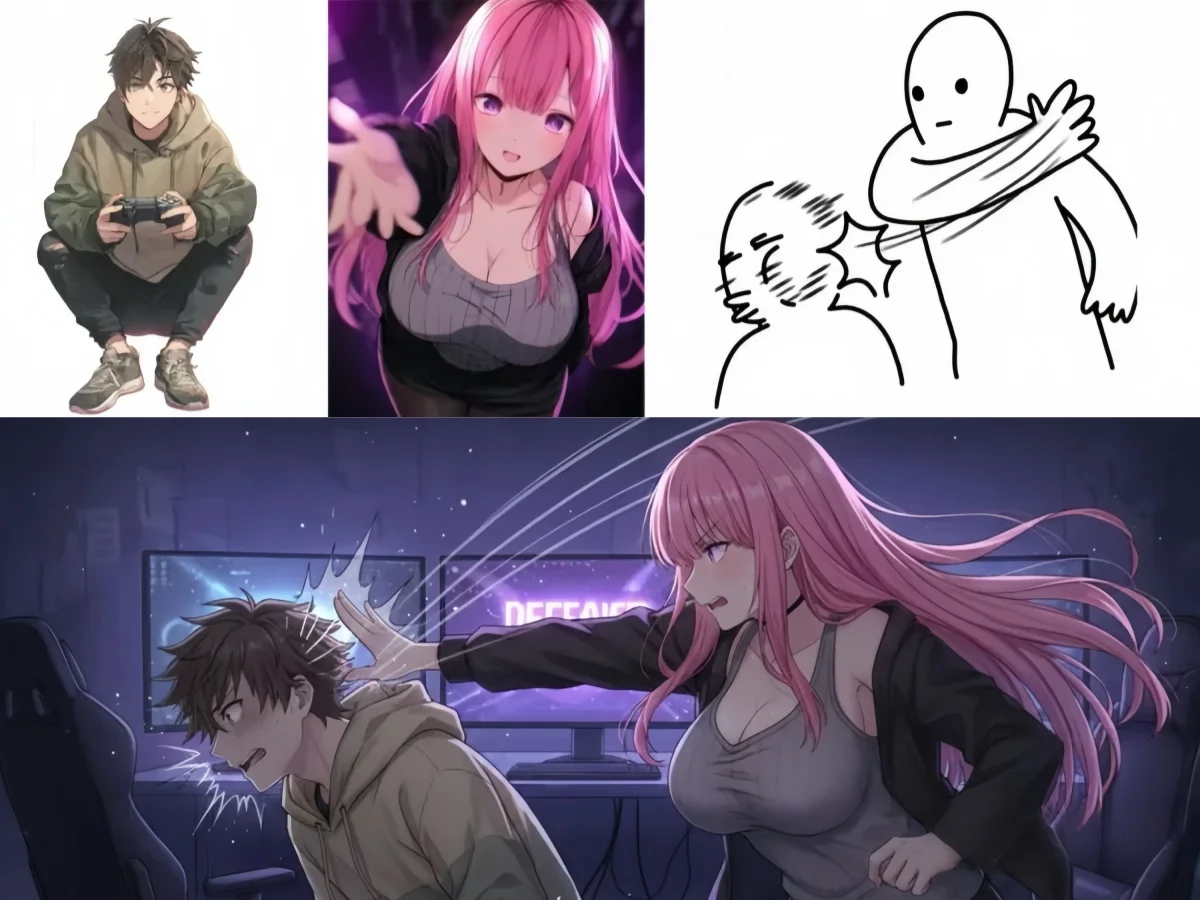
Image to image results from Gemini Nano Banana — style transfer, background replacement, object editing, and photo restoration using six AI editing models.
More AI Tools on Gemini Nano Banana
Explore text to image generation, video creation, and more on Gemini Nano Banana.
Gemini Nano Banana Image to Image FAQ
Frequently asked questions about image to image AI on Gemini Nano Banana.
Start Editing Photos on Gemini Nano Banana
Six AI editing architectures — identity preservation, search-grounded editing, style transfer, visual reasoning, text overlay, and inpainting — all in one image to image AI platform. Gemini Nano Banana: upload a photo, describe the edit, download the result.