Nano Banana 2.1 — Updated Image Creation
An update to Nano Banana 2 with improvements to image quality, text rendering, and consistency across successive edits. A starting point for everyday photo edits, posters, and product visuals.
Gemini Nano Banana is an online AI image generator and photo editor. Create images from text, combine reference photos, or change the background, style, and details of an existing image.
0 / 20000
Browse ideas for portraits, product scenes, illustrations, and photo transformations. Open an example to inspect the image, then adapt its prompt to your own subject or reference photo.
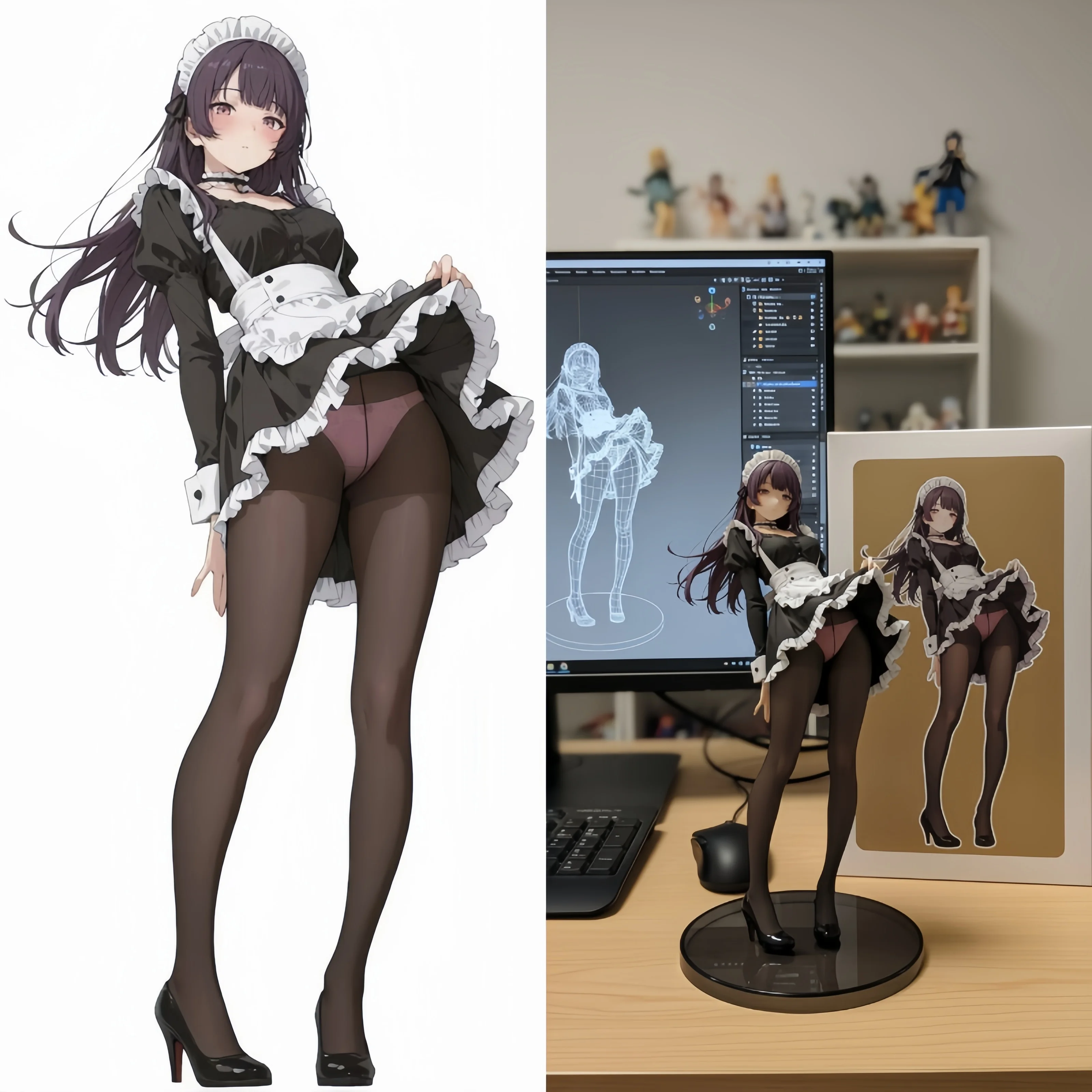
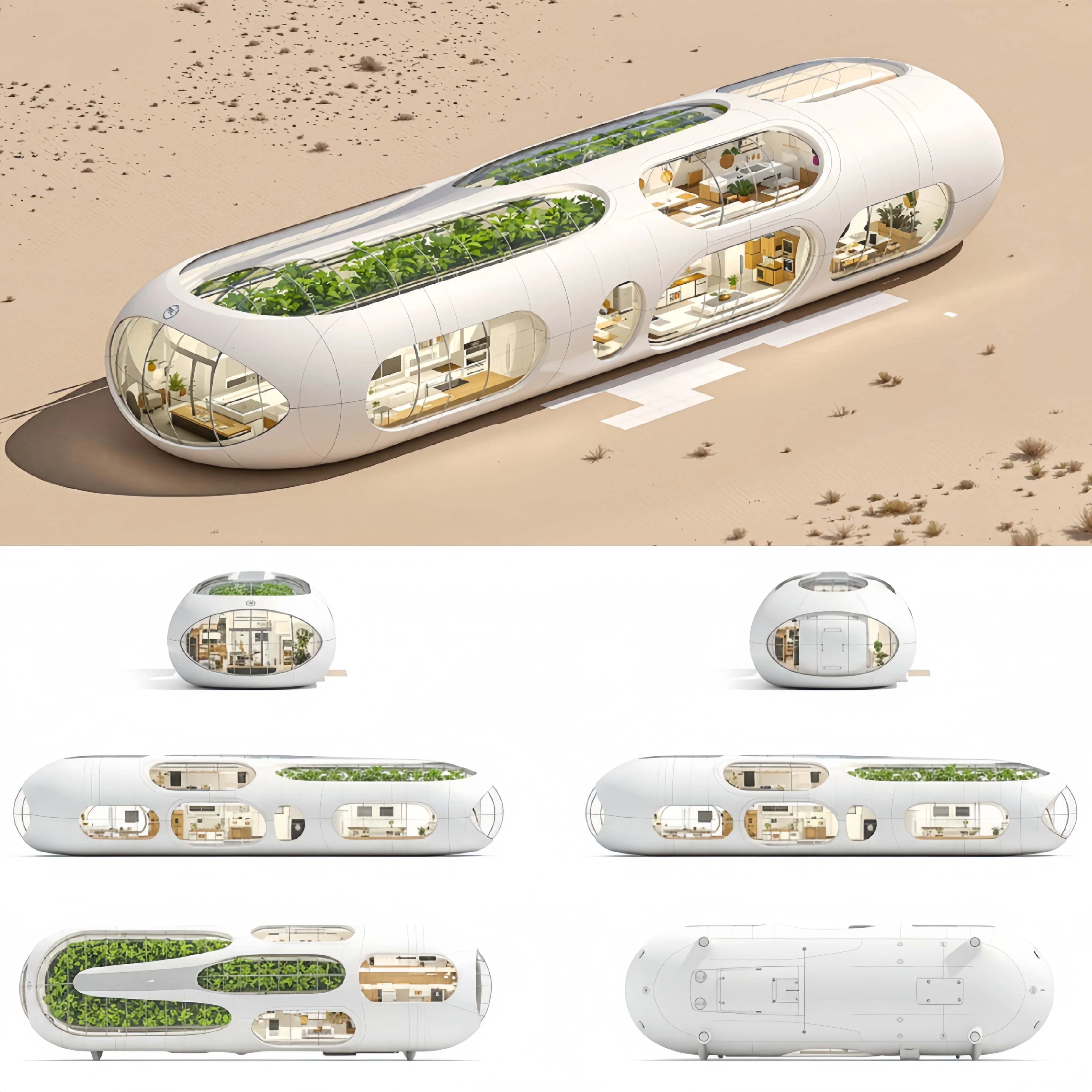
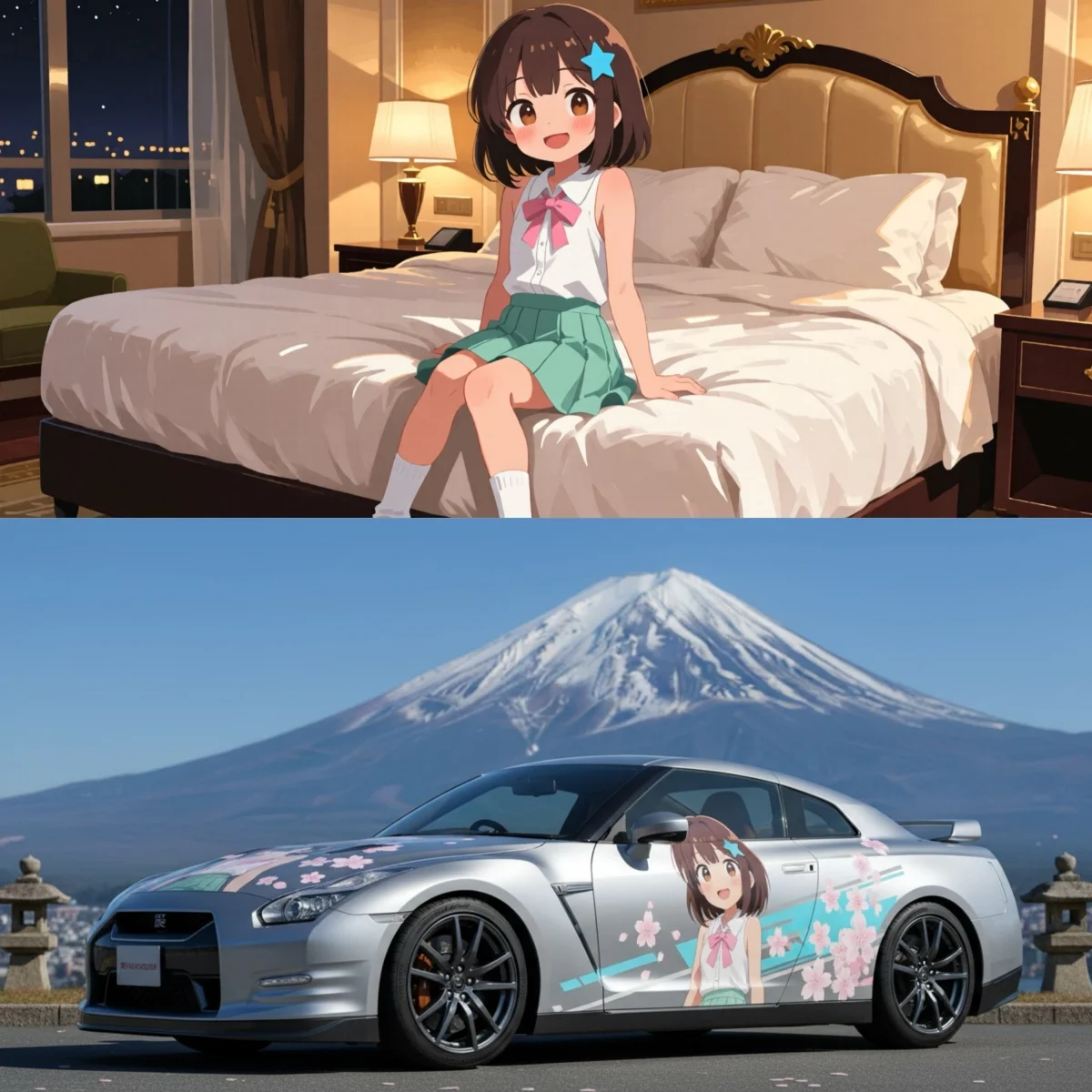
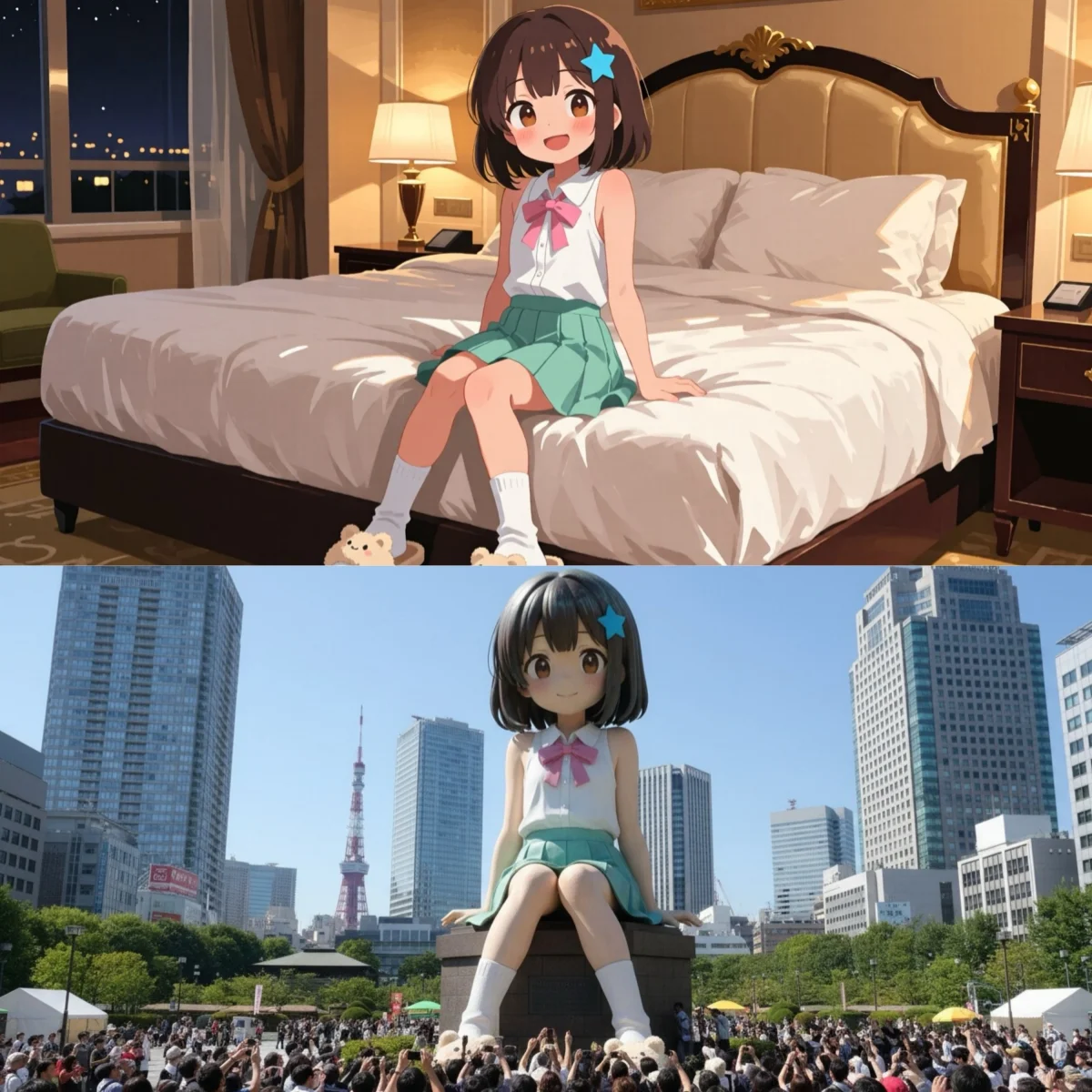
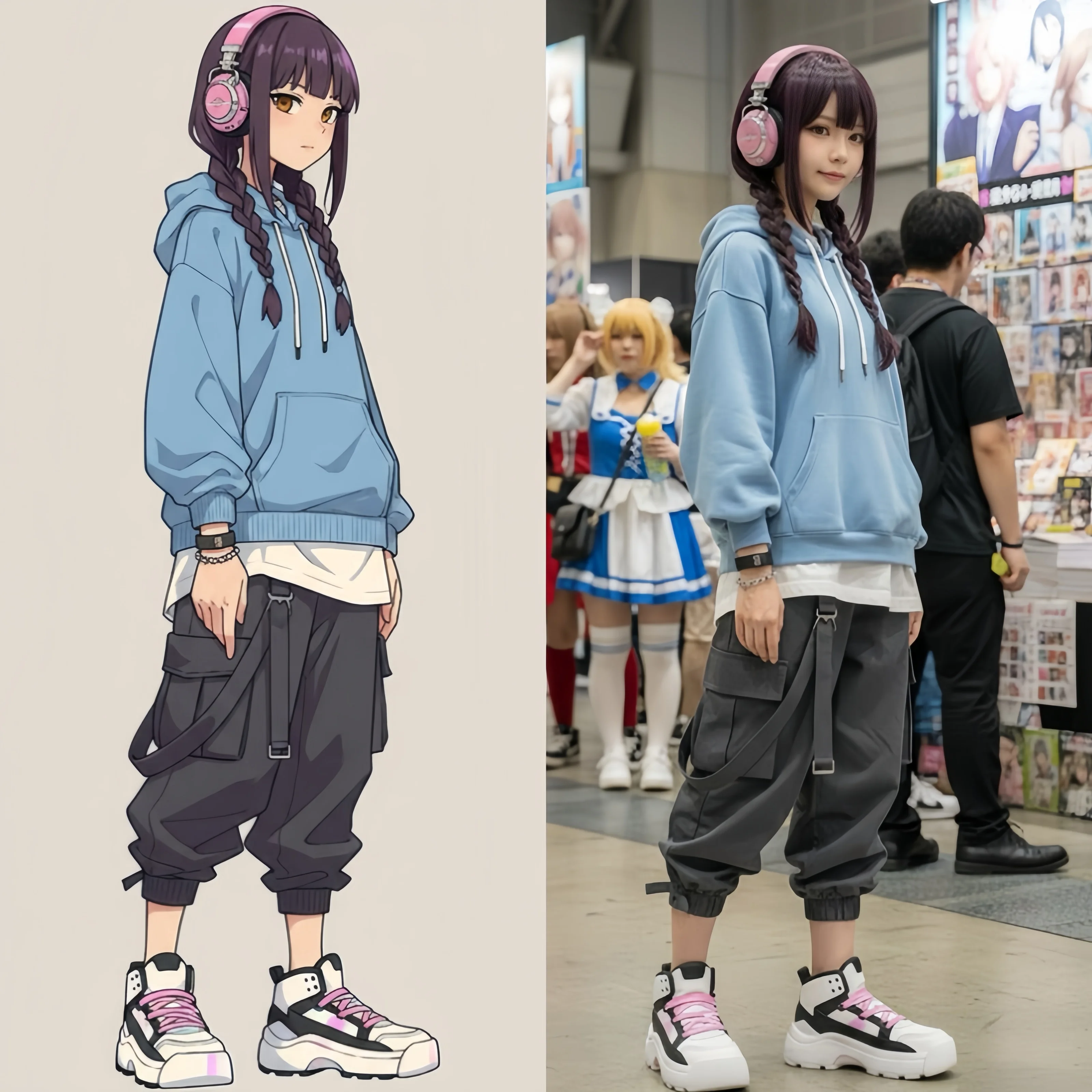
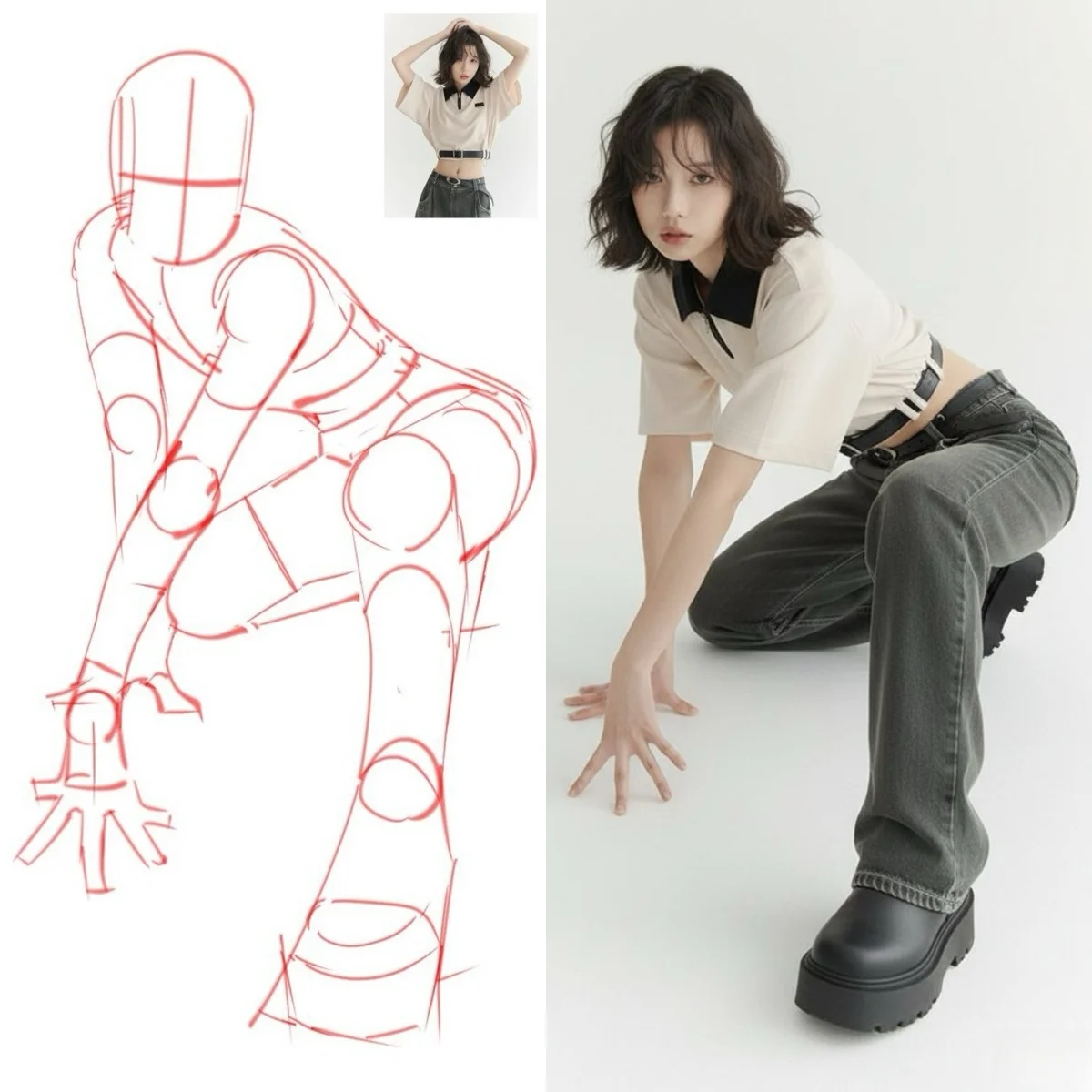
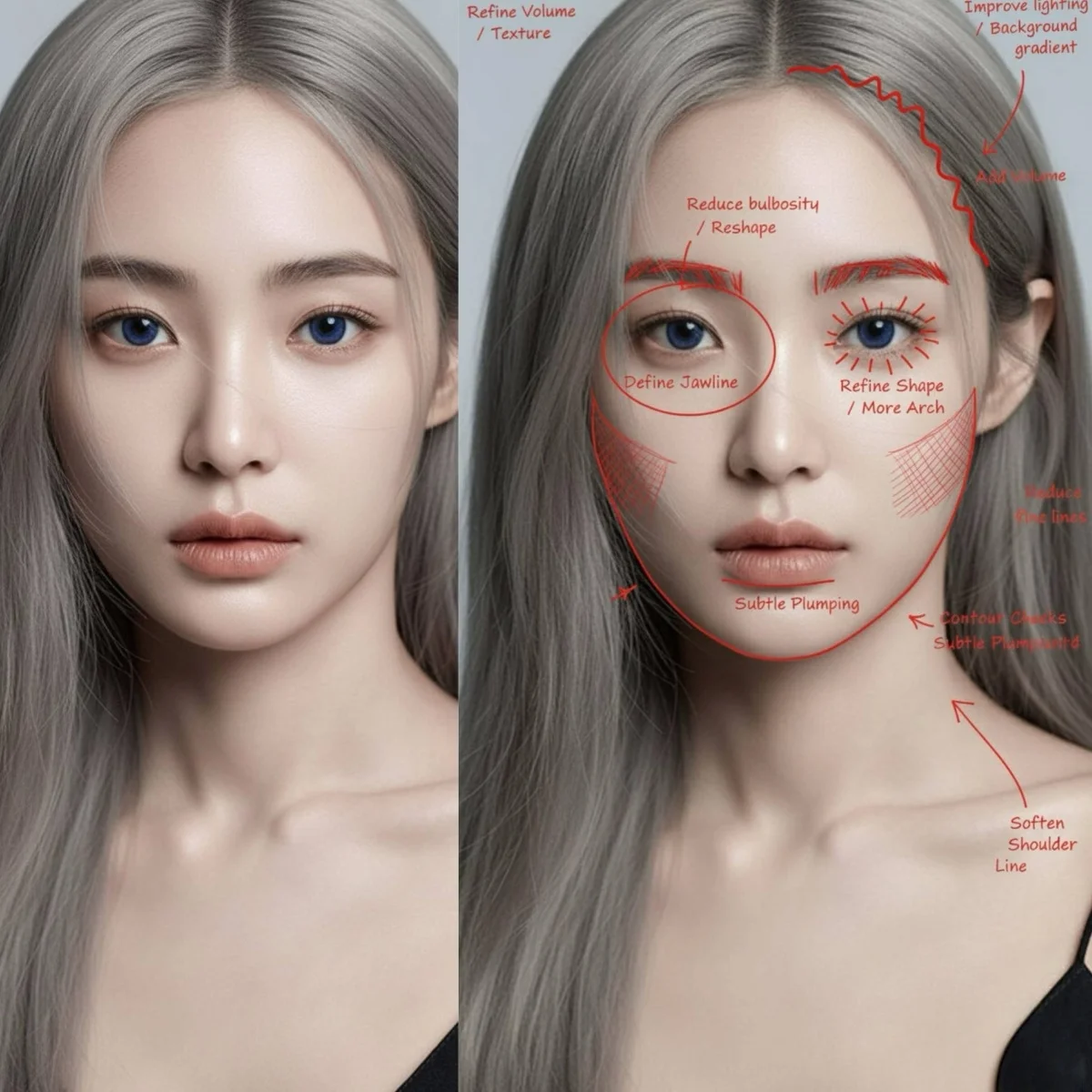
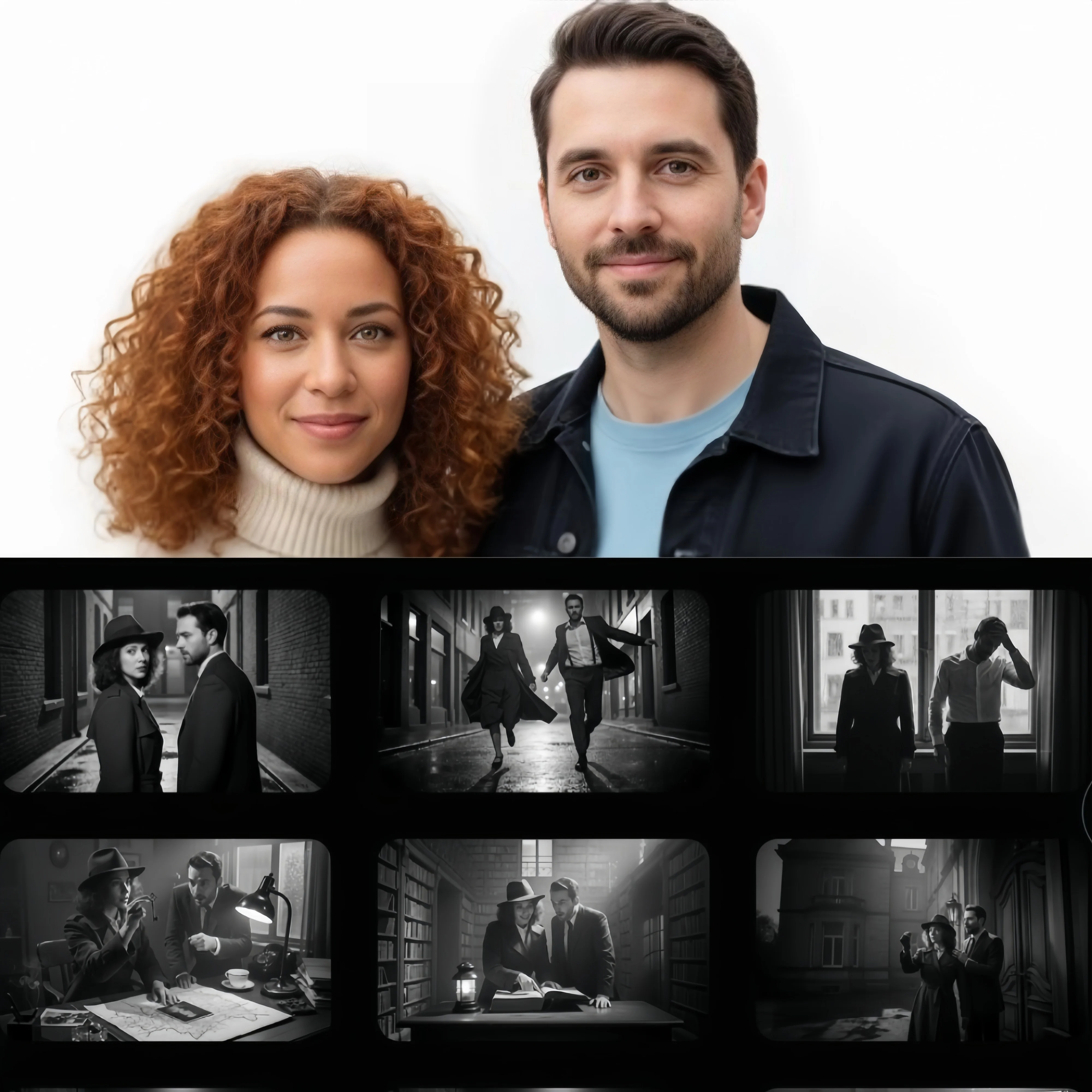
From a new product scene to a fresh take on a portrait, start with the image you want to make.
Create product concepts from text or place an existing product in a new setting. Explore studio backgrounds, lifestyle scenes, and seasonal visuals for a shop or campaign.
Give a portrait a different outfit, replace a background, or transform a photo into an illustration. Use an existing image as the starting point for a new look.
Bring a subject, setting, and visual style together from separate references. Build a scene around your own photos instead of describing every element from scratch.
Explore a character in different settings or develop a set of related images for a story. Reuse reference images to guide the appearance across scenes.
Start with text or a photo, generate your image, and save the result.
Choose Text to Image and describe your idea, or choose Image to Image, upload a photo, and explain the edit you want.
Select a Nano Banana model, set the available aspect ratio and image options, then click Generate to create your image.
Preview your image and download it when you are ready. To make another change, use the result as a reference and describe the next edit.
Compare the Nano Banana versions for image creation, photo editing, and detailed compositions.
An update to Nano Banana 2 with improvements to image quality, text rendering, and consistency across successive edits. A starting point for everyday photo edits, posters, and product visuals.
Designed for complex visual instructions, detailed layouts, and text within images. Consider Pro for a composition with several elements, such as a poster, infographic, or arranged product scene.
The version preceding 2.1 supports creating images from text and editing photos with references. It remains available for existing projects or comparisons with the updated model.
Use these editing tips when a result needs another pass.
For a difficult edit, resolve the main change first. Save a result that works before refining the lighting or adding another element; return to that version if a later edit loses useful details.
Read lettering at full size and inspect faces, product labels, and edges. If something is wrong, describe the specific correction instead of requesting a general improvement.
Choose an aspect ratio for the intended placement. Leave space around the main subject and any lettering so the image still works in a banner, post, or product listing.
Continue with a photo edit, build a new product visual, or turn a finished image into a video.
Create product visuals, change a photo’s background, or combine your reference images into a new composition. Open the image generator to work on your next portrait, shop image, or illustration.
Open Image GeneratorAnimate a Nano Banana image or your own photo with the video generator. Describe the action and camera movement, or switch to Text to Video to create a scene from a written idea.
Open Video GeneratorAnswers about image creation, photo editing, model choices, and getting started.
Gemini Nano Banana is an online AI image generator and photo editor powered by Nano Banana models. Use it to create pictures from text, edit uploaded photos, and combine reference images for portraits, product visuals, and illustrations.
Choose Text to Image and describe the picture you want, or choose Image to Image and upload a photo to edit. Select a Nano Banana model, adjust the available settings, and generate. For photo edits, describe what to change and which details to keep.
Yes. Create an account to try image generation and photo editing with the free access available to new users. Free usage is limited; visit the pricing page for options to continue creating.
Start with Nano Banana 2.1 for new image projects. Consider Pro for complex layouts with several objects or detailed spatial instructions. Keep Nano Banana 2 for an existing workflow when matching earlier images matters.
Describe the subject, setting, composition, and style in clear sentences. For photo editing, name the change you want and the details to preserve. If the image needs lettering, specify the exact words and their placement. Give each reference image a clear role when combining photos.
Yes. Upload reference images in Image to Image and explain how they should fit together. You can place a product in a new scene or use separate references for a subject and a visual style. Follow the reference image limit shown for your selected model.
Use a clear photo as the identity reference and reuse it across your images. Ask Nano Banana to preserve the person’s facial features while changing the scene, outfit, or style. Focus each edit on a specific change; reference images improve consistency but cannot guarantee an identical face in every result.
Yes. Create or edit your image with Nano Banana, then upload it to the video generator. Choose a video model and describe the movement or camera action you want. Nano Banana creates the still image, and the video model brings it into motion.
Create something new with Gemini Nano Banana, or give an existing image a different direction. Choose your starting point and make the first version.